




Ask for a new product, a sale or a fresh homepage. Your assistant does the work in your Shopdrop store, and the bigger changes wait for your tap.
https://mcp.shopdrop.pro/mcp Open ChatGPT
 Open Grok
Included on every plan, including Free.
 Shopdrop
Shopdrop's MCP server connects your store in three steps, once, shown here in Claude, with Grok and ChatGPT below. After that, Shopdrop is in every chat where you switch it on.
Add Shopdrop to Claude
Select Add to Claude. Claude opens with the name and the connector address already filled in, so you only select Add. Or go to Customize, then Connectors, then Add custom connector, and paste the connector address.
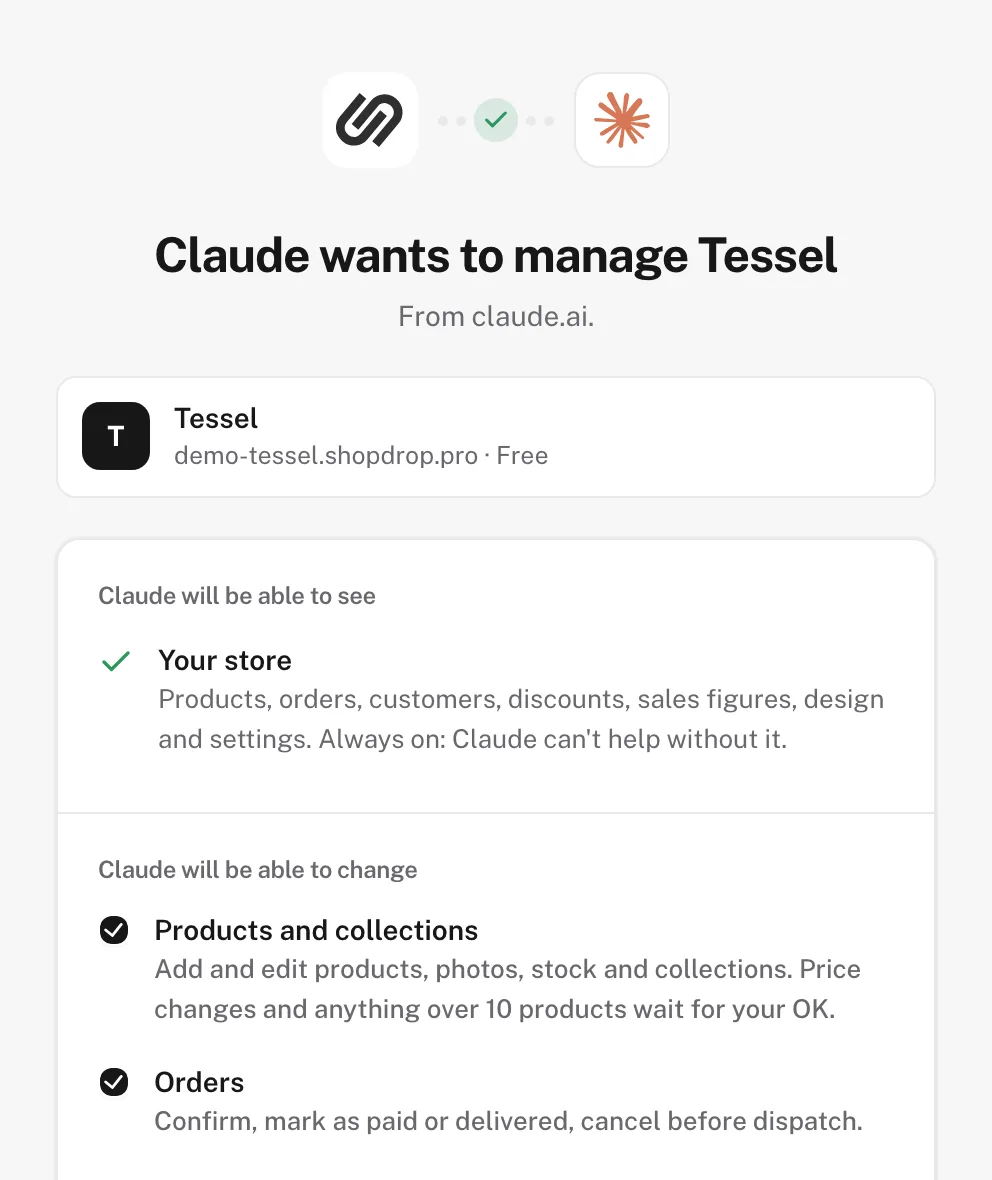
Sign in and choose access
Shopdrop's sign-in opens. Claude can always see your store; you tick what it may change. Select Allow Claude, and you're back in your chat.
Switch it on in a chat
Start a chat, select +, open Connectors and turn on Shopdrop. Then ask about your store in your own words.
In Grok
On grok.com, open Connectors, select New Connector, then Custom. Name it Shopdrop, paste the connector address as the Server URL and select Add Connector. Then sign in to Shopdrop and choose what Grok may change. Any Grok account can add a custom connector like this one, on a paid plan or not.
In ChatGPT
Open Plugins, select +, then Add custom MCP server, and paste the connector address. Then sign in to Shopdrop and choose what ChatGPT may change. Custom MCP servers depend on your ChatGPT plan.
Check it worked
Ask Show me my Shopdrop store today.
You get your store's card: today's sales, orders to deliver, and what's left before you're ready to sell. If your assistant answers without your store's details, switch Shopdrop on for that chat and ask again.
Steps checked Oct 18, 2026. Claude's own help: Use connectors in Claude.
Say what you want the way you'd tell a colleague. Your assistant finds the right part of your store, does the work, and shows the result as a card you can check.
Also: collections, reviews, domains, your brand kit, store settings and menus.
New products start as drafts, at the prices you give. Sizes, colors, stock and collections too.
Shopdrop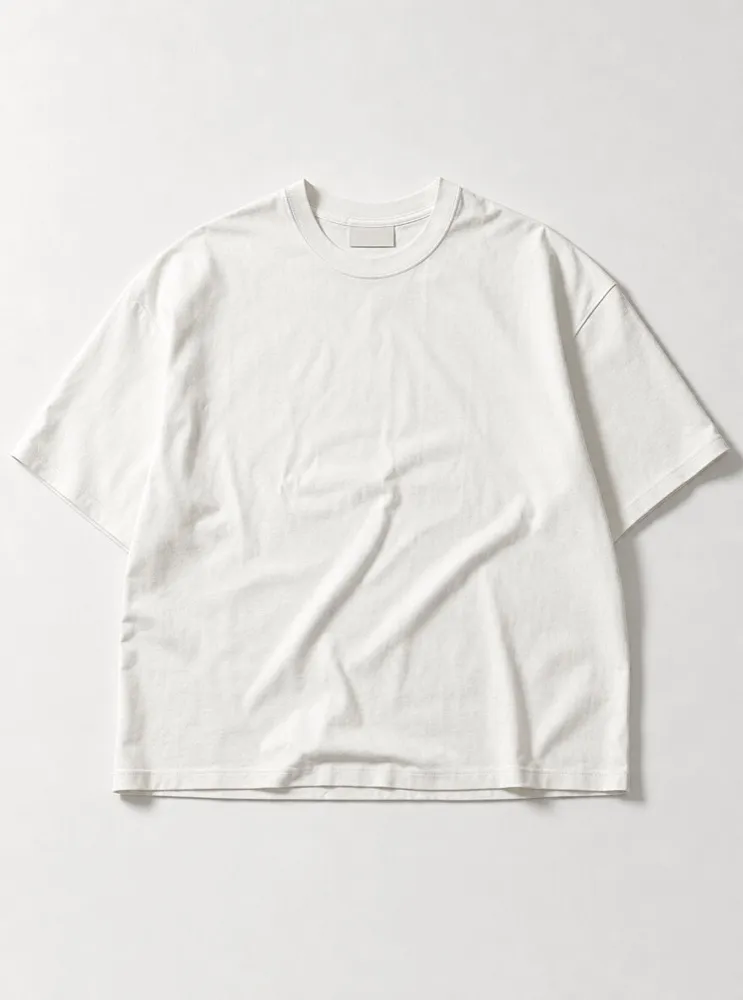 The Relaxed Tee$38.00 XS–XXL
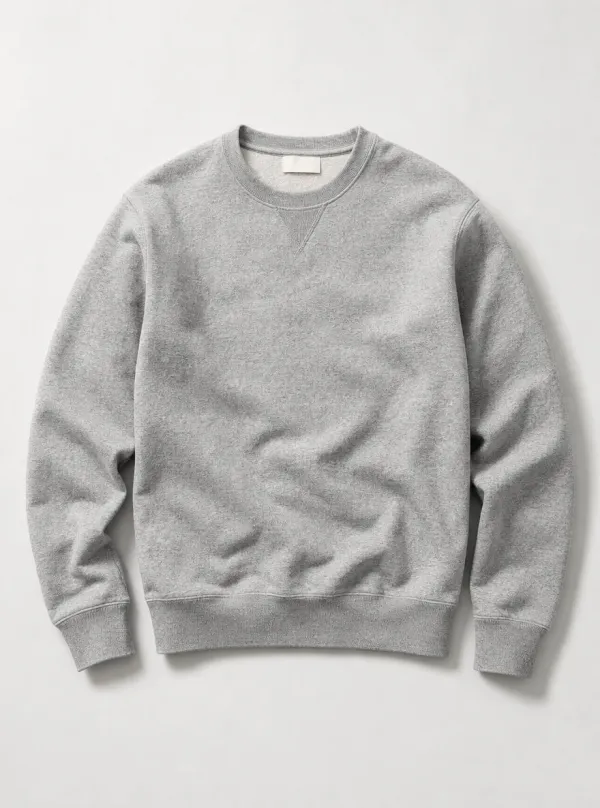 The Loopback Crew$98.00 XS–XXL
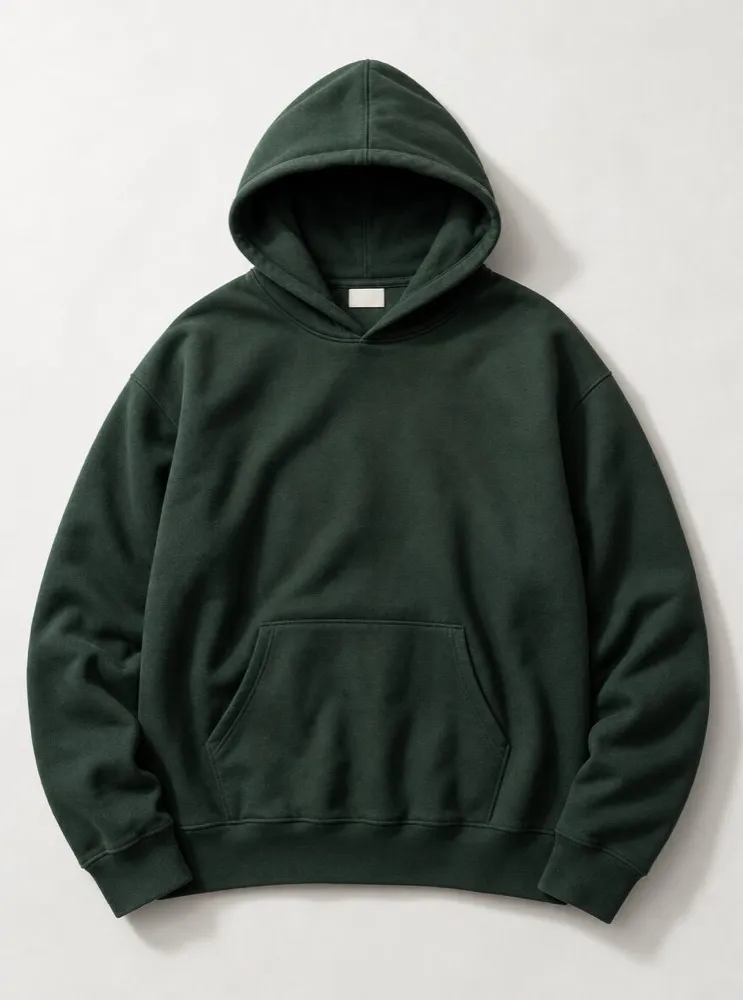 The Heavyweight Hoodie$118.00 XS–XXL
Your assistant reads your theme, makes the change on your draft and lists each edit. Undo any part, or publish when it looks right. It works on every theme and every page.
- AskName a color, a mood or a store you like.
- DraftClaude changes your draft and lists each edit.
- PreviewOpen the draft on any screen. Your live store is unchanged.
- PublishPublish when it looks right, or undo any part.
In your words. Name a color, a mood or a store you like.
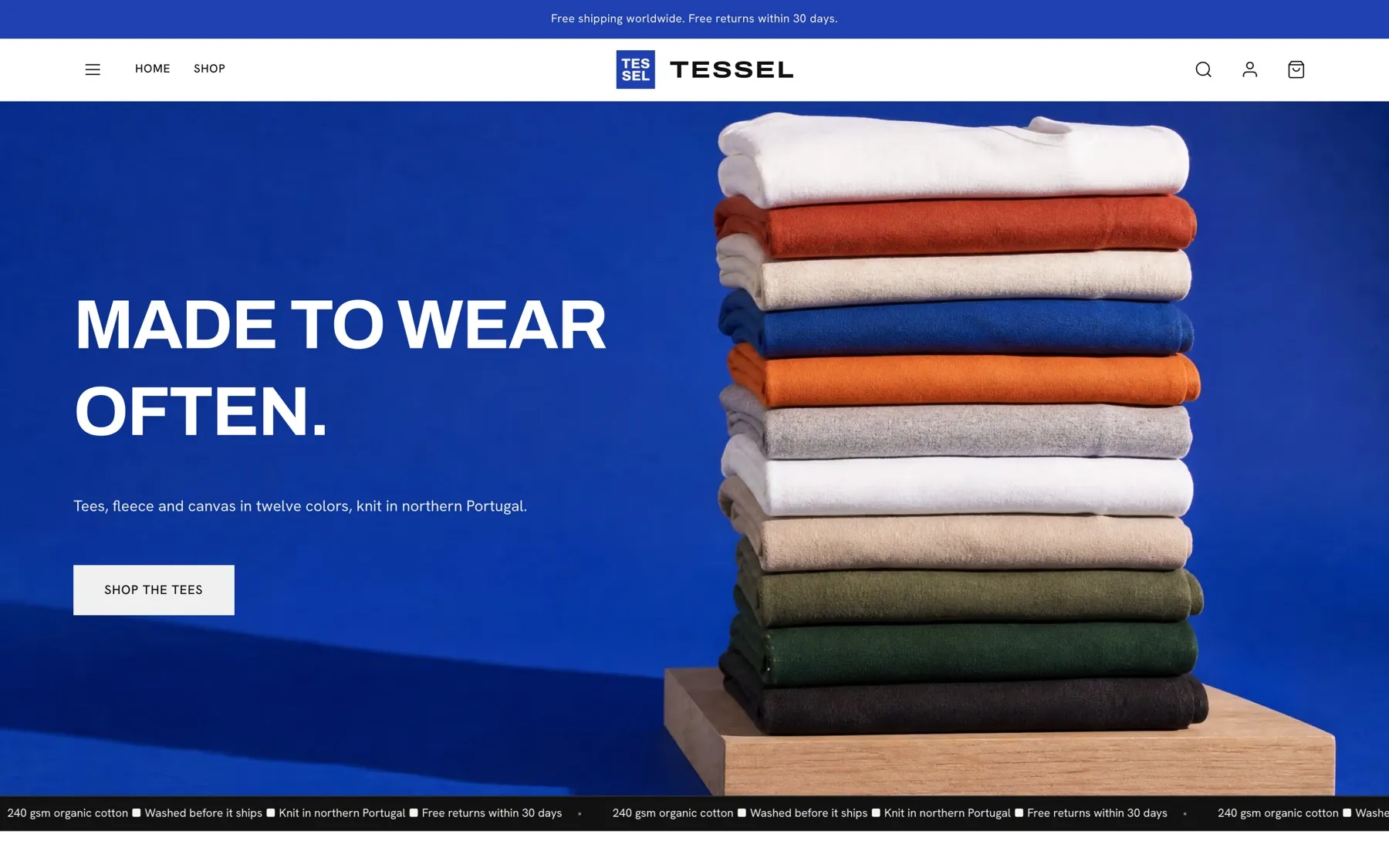
4 changes on Home go live for every shopper.
You decide what your assistant can change. Anything big waits for you, and you can see and undo what changed.
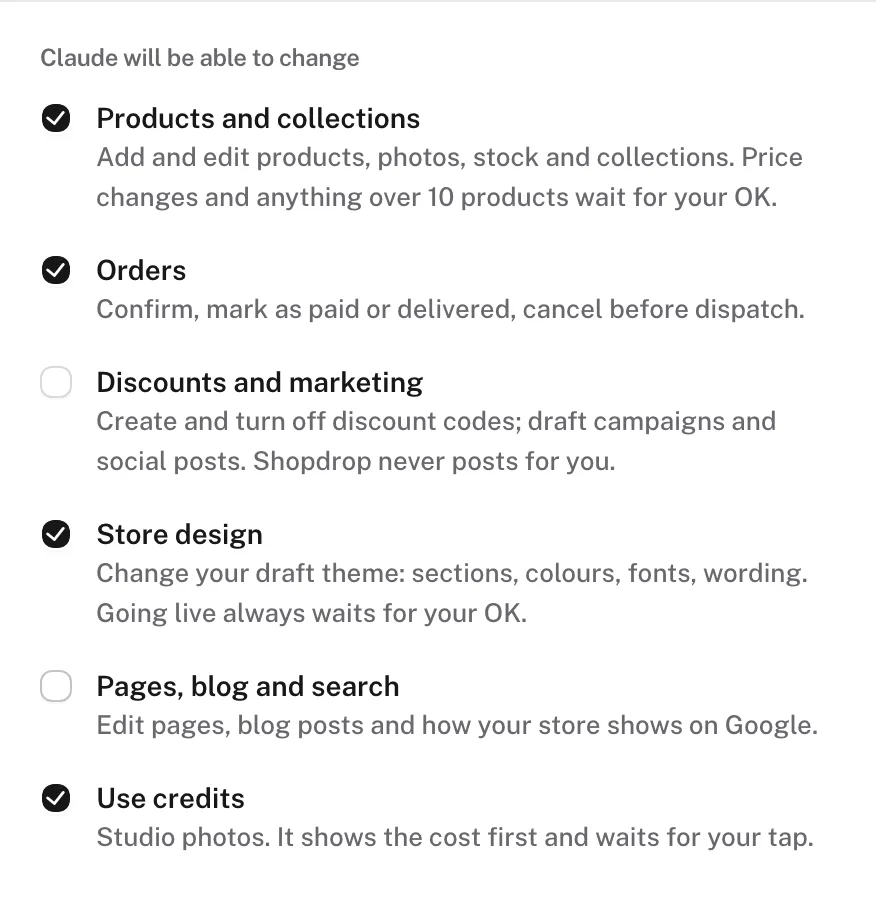
You choose what it can change
Pick at sign-in, and change it later by connecting again. It only reaches the store you signed in with.
Big changes wait for your tap
New prices, archiving and changes to more than 10 items arrive as a card. Nothing happens until you tap Apply, and your assistant can't tap it for you.
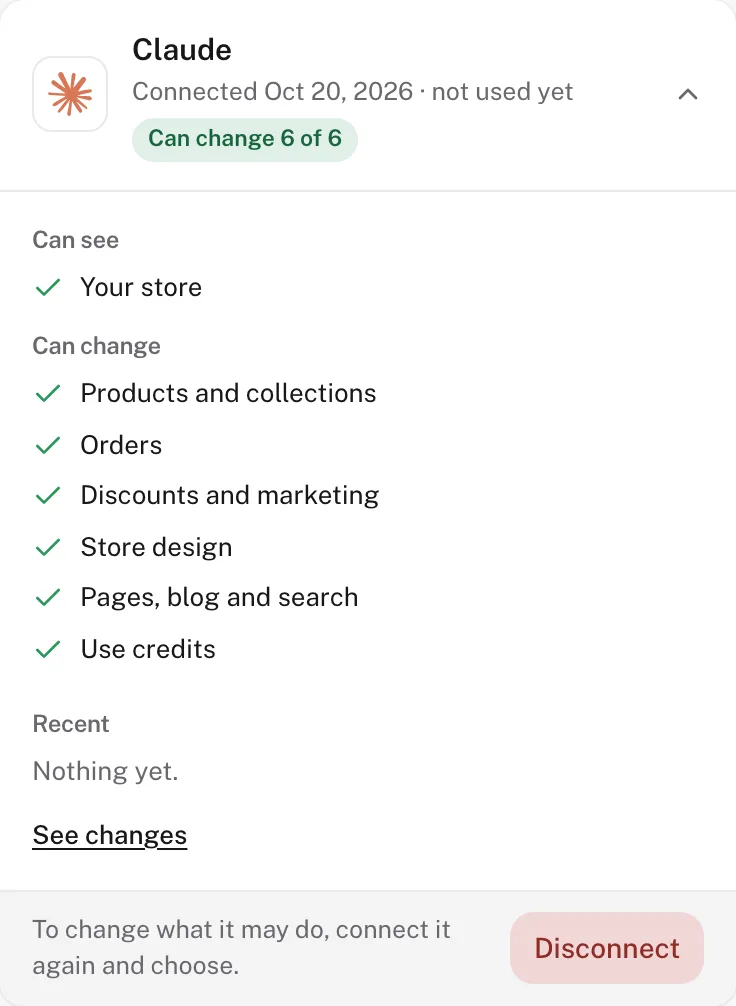
See it, undo it, end it
Changes you approve on a card are listed in Shopdrop with Undo for 30 days, and design edits are in your editor's history. Disconnect in one click.
What it won't do
Your plan, your billing and where your customers' payments go stay with you in Shopdrop, and so does taking your store online or offline. Your assistant never sees your customers' full emails or phone numbers, and it never posts on your social accounts.
There's nothing extra to pay Shopdrop. Your assistant's plan is between you and its maker.
Every plan, Free included, at no extra cost.
- Free · $0
- Starter
- Growth
- Pro
The same tools on every plan. Your plan's own limits and credits apply.
Compare plans →Claude, ChatGPT or Grok.
Claude's Free plan allows one custom connector, and paid plans allow more. Your assistant's plan is billed by its maker.
What is an MCP server for ecommerce?
A connection that lets an AI assistant work in your online store. MCP, the Model Context Protocol, is the open standard Claude, ChatGPT and Grok use to connect to other apps. Shopdrop's MCP server gives your assistant your store's products, orders, sales and design, and the tools to change them within the access you choose.
Can Claude, ChatGPT or Grok manage my online store?
Yes, with Shopdrop. Connect it once, and your assistant can add and edit products, update orders, make discount codes, report your sales and change your design on a draft. Bigger changes, like new prices or publishing your design, wait for your tap.
Can I run my store from an AI assistant without Shopify?
Yes. Shopdrop is a complete store on its own, with checkout, orders, discount codes and design, and its MCP server is built in. You don't need another store platform to use it.
Which Shopdrop plans include it?
Every plan, including Free, with the same tools. Your plan's own limits and credits apply, such as how many products you can have.
Does it cost anything extra?
Not from Shopdrop. It's part of your plan. Your assistant is billed by its maker under whichever plan you use: Claude by Anthropic, ChatGPT by OpenAI, Grok by xAI.
Can my assistant change my store without asking?
Only in the areas you ticked at sign-in, and only for everyday edits like a product description or your draft design. New prices, archiving, changes to more than 10 items, switching theme and publishing your design all wait for your tap on a card.
What does it see about my customers?
Names and orders, so it can help you with them. Emails and phone numbers are masked, and you reach customers from Shopdrop as usual.
Where does my store's data go?
What your assistant reads from your store goes to its maker as part of your chat, under that maker's terms: Anthropic for Claude, OpenAI for ChatGPT, xAI for Grok. Shopdrop's privacy policy explains what Shopdrop shares and keeps.
Can I undo a change?
Yes. Changes you apply on a card can be undone from Shopdrop for 30 days, and every design edit can be undone from your editor's history.
How do I disconnect?
In Shopdrop, go to Settings, then Connected apps, then Disconnect. In Claude, go to Customize, then Connectors, and remove Shopdrop; in Grok, remove it from Connectors. Changing or resetting your Shopdrop password also ends every connection.
Does it work with ChatGPT and Grok?
Yes. Shopdrop works in ChatGPT and Grok as well as Claude, with the same cards and the same Apply taps. In ChatGPT, add it under Plugins as a custom MCP server; custom connectors depend on your ChatGPT plan. In Grok, add it from Connectors with the connector address.
Does it work on my phone?
Yes. Add Shopdrop once on claude.ai or in the Claude desktop app, and it's there in Claude's iPhone and Android apps, cards included.
Claude answers but doesn't use your store
Shopdrop is switched off for this chat. Select +, open Connectors and turn Shopdrop on, or start your request with "In Shopdrop,".
Claude can't connect
This page's address was pasted instead of the connector address. Paste the connector address, the one that starts with https://mcp.
"This needs a higher Shopdrop plan"
You asked for something your plan doesn't include, such as a premium theme or more products than your plan allows. Upgrade, or ask for something your plan includes. The connection is kept either way.
You can't add another connector
Claude's Free plan allows one custom connector. Remove the custom connector you added before, or move to a paid Claude plan, which allows more than one.
It stopped working
You changed your password, or disconnected in Shopdrop. Connect again with the same steps.
It asks you to confirm your email
Your Shopdrop email isn't confirmed yet. Confirm it from the email we sent, then ask again.
A change says it's waiting
It's one of the bigger changes and needs your tap. Tap Apply on its card in Claude.
Use Shopdrop in Claude CodeFor developers.
Add the connector
Then run /mcp in Claude Code to sign in.
claude mcp add --transport http shopdrop https://mcp.shopdrop.pro/mcpConnect once, then ask from any chat where you use Claude, ChatGPT or Grok.
Claude is a trademark of Anthropic, PBC. ChatGPT is a trademark of OpenAI. Grok is a trademark of xAI. Shopdrop is independent and isn't affiliated with or endorsed by any of them.