

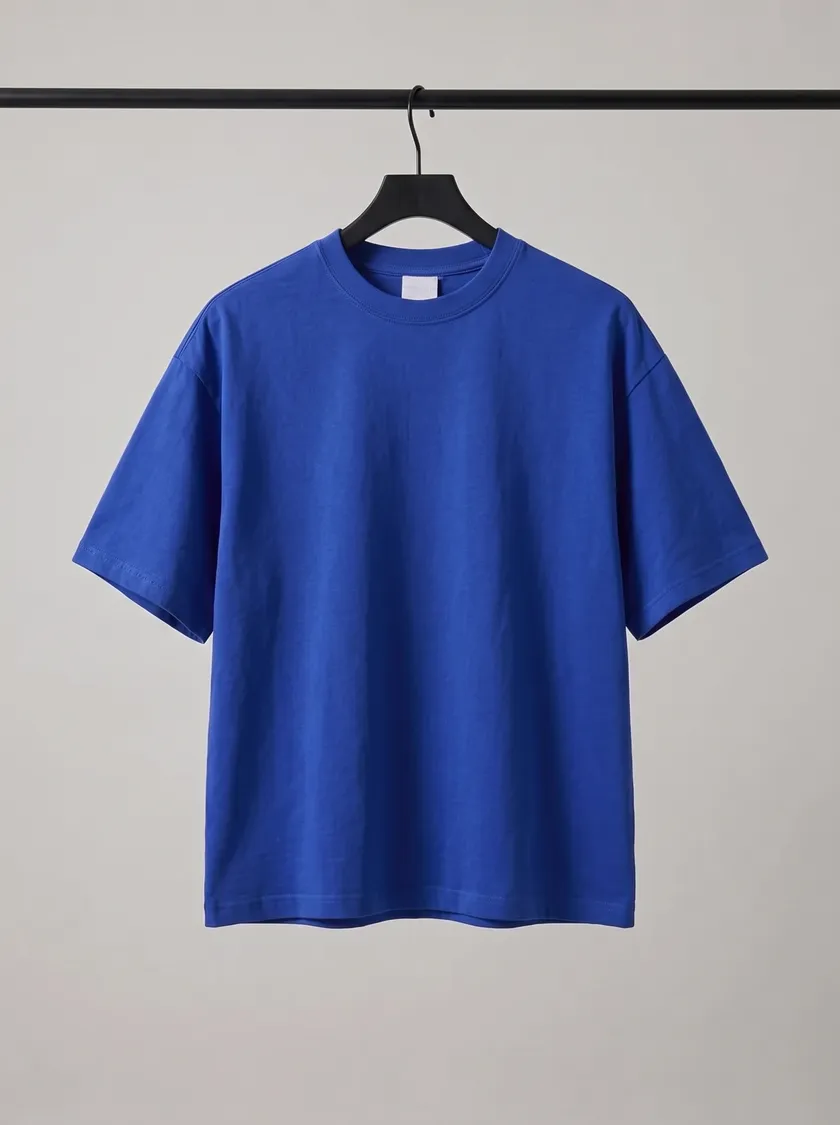
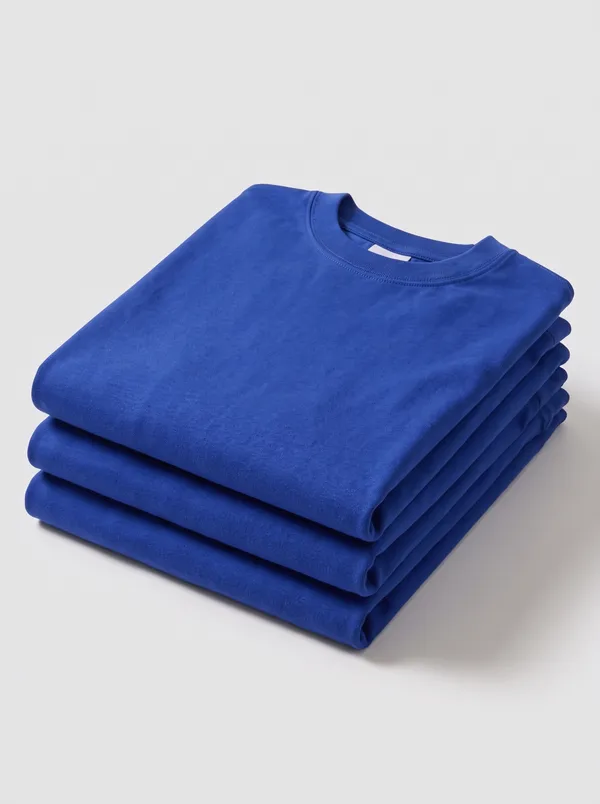
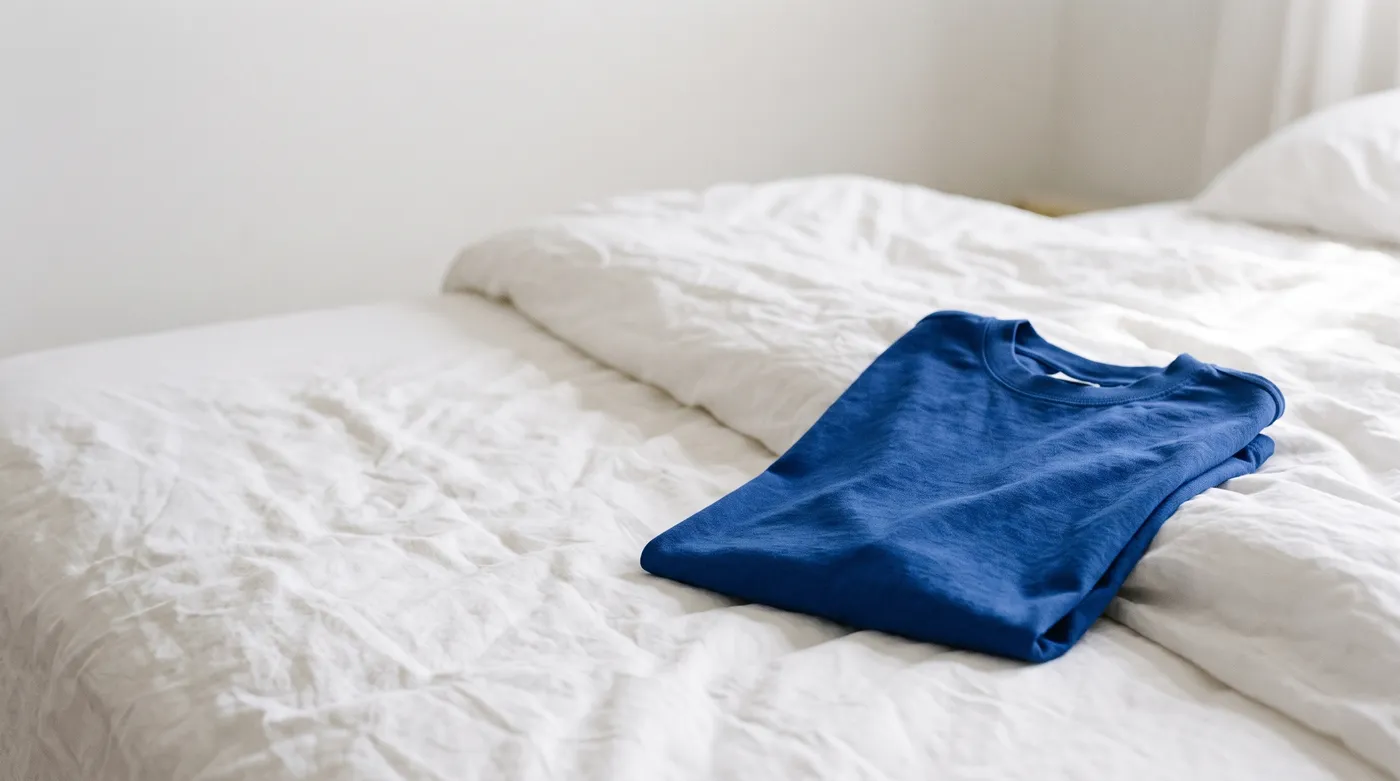
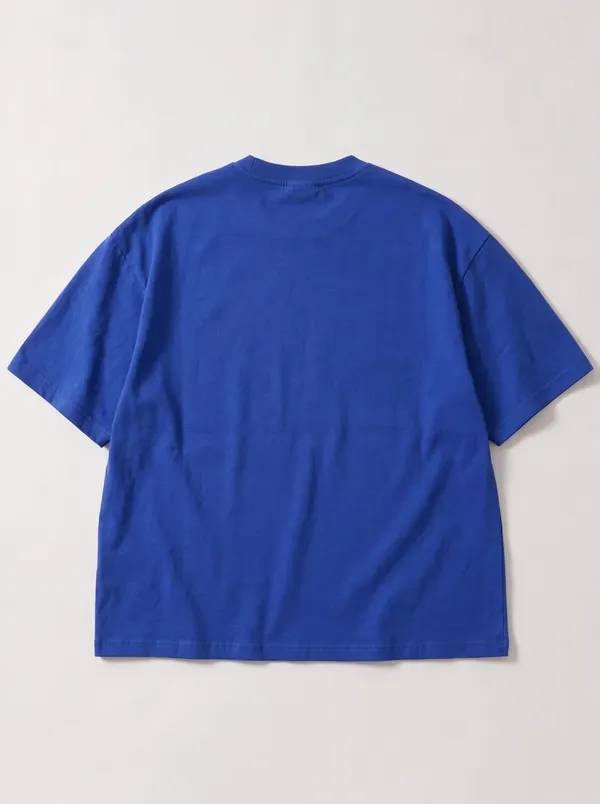
Superstudio is the AI photo studio inside Shopdrop. Take one photo of your product at home, and it makes studio shots, scenes and catalog photos for your store.
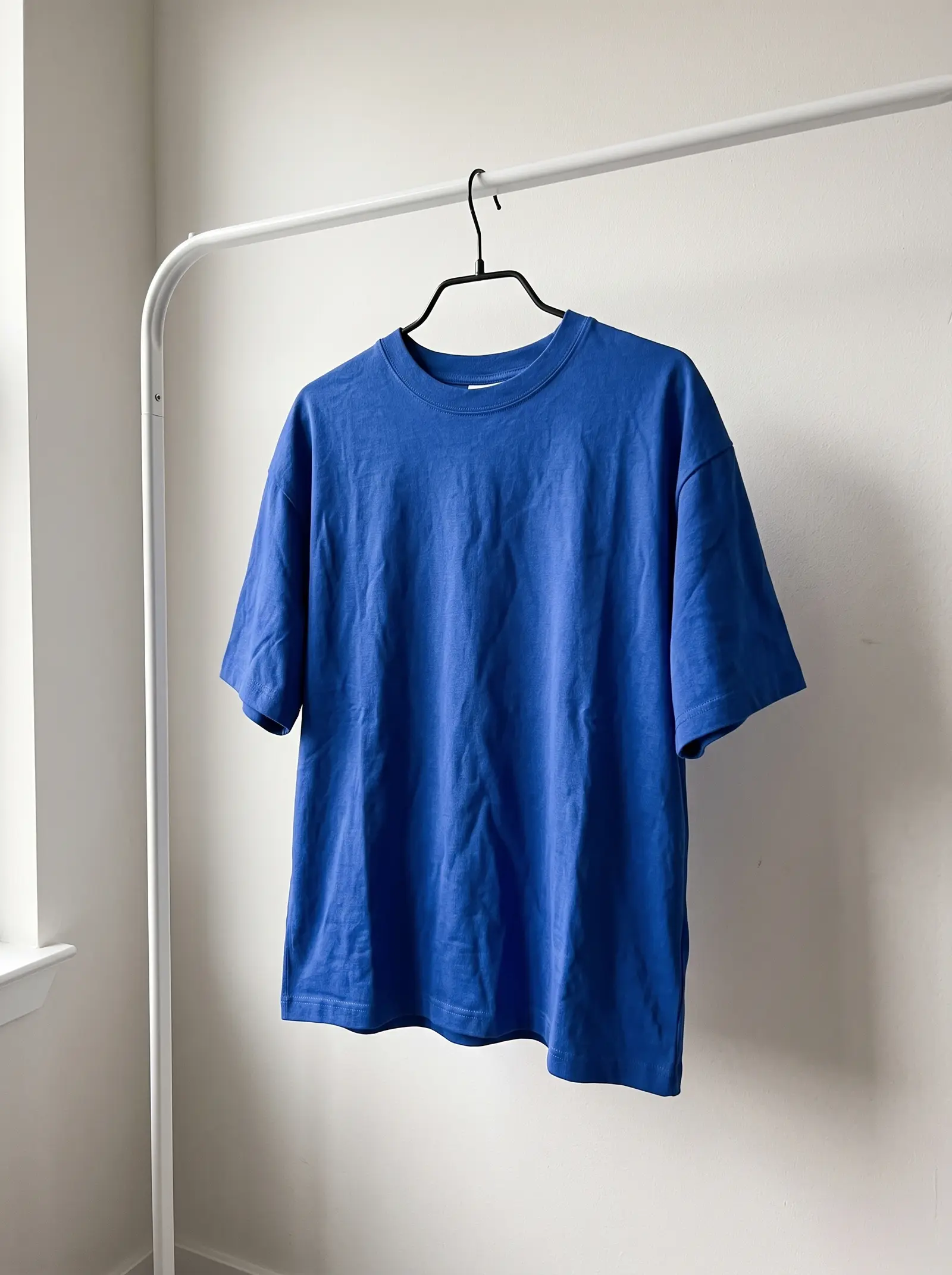
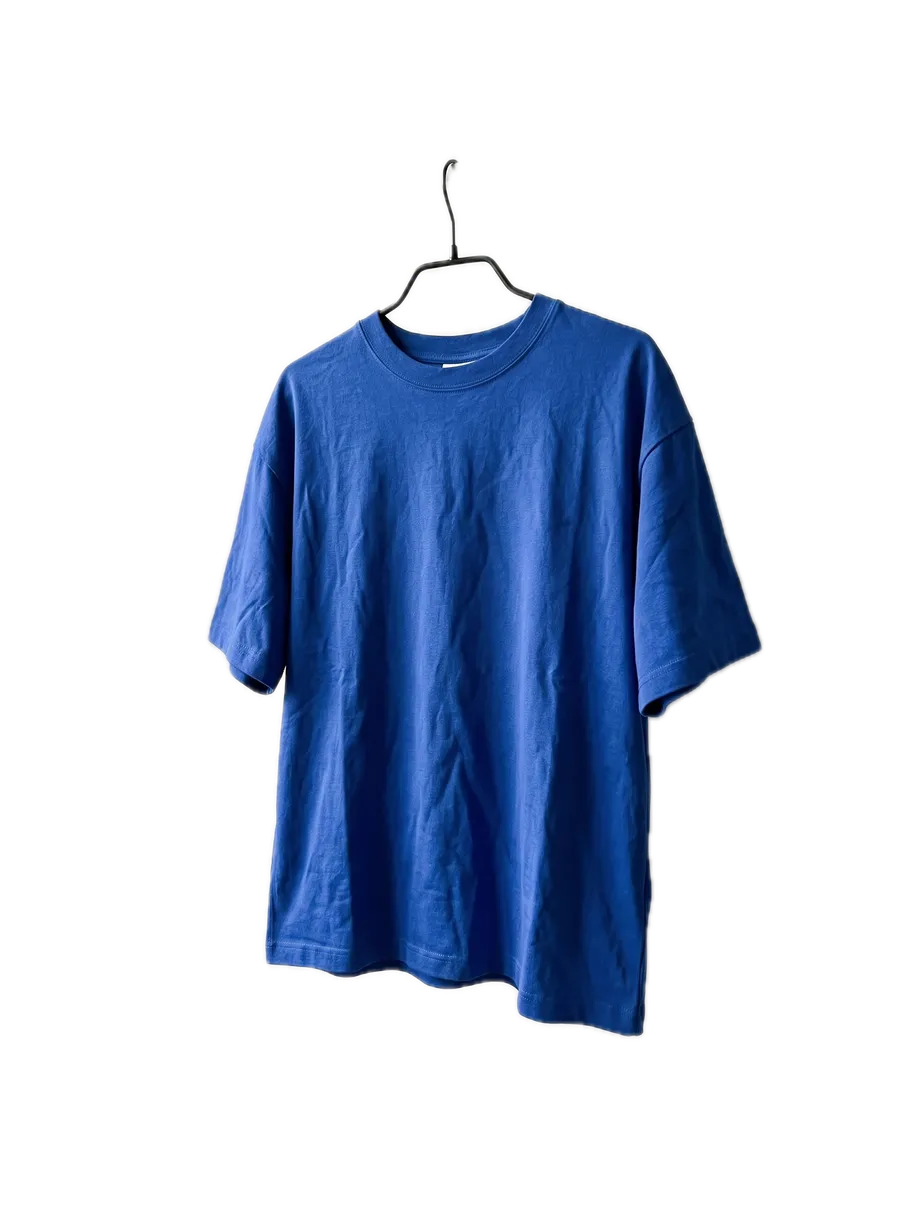
- Your photoOne photo of your product, taken at home on a phone.
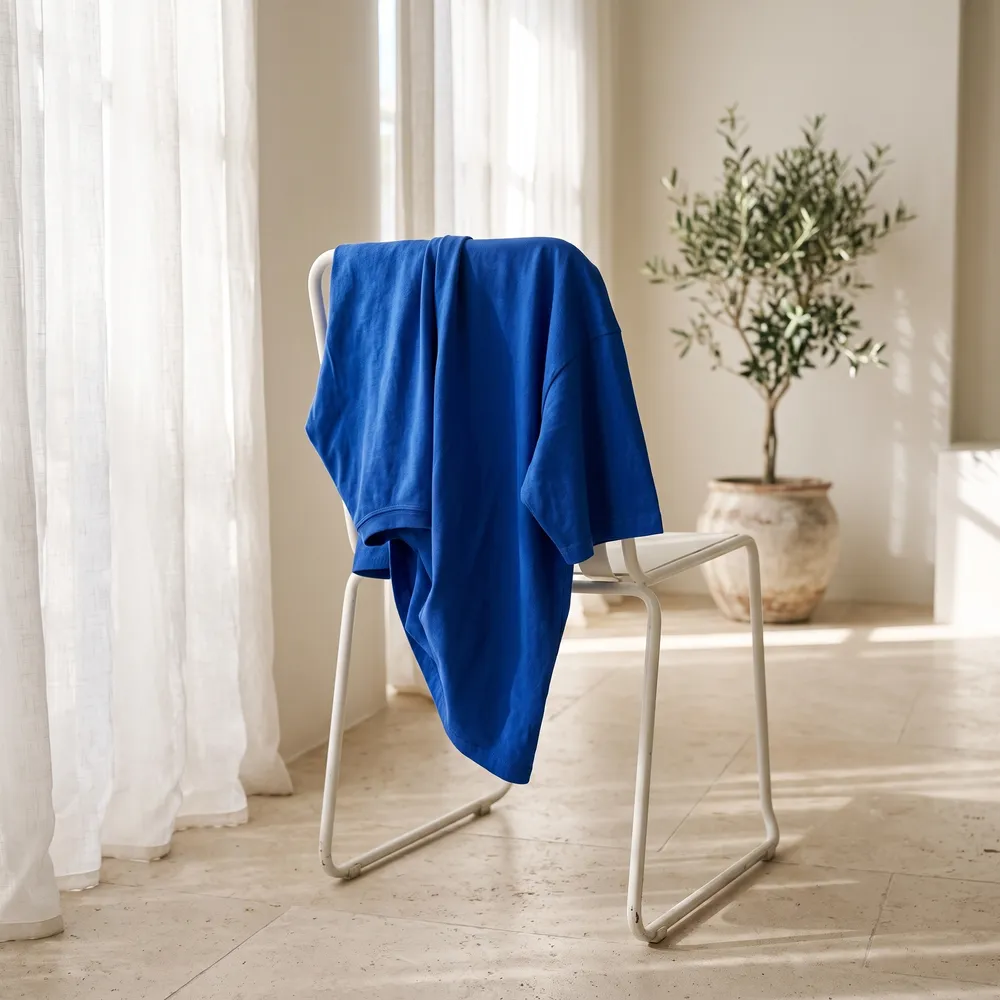
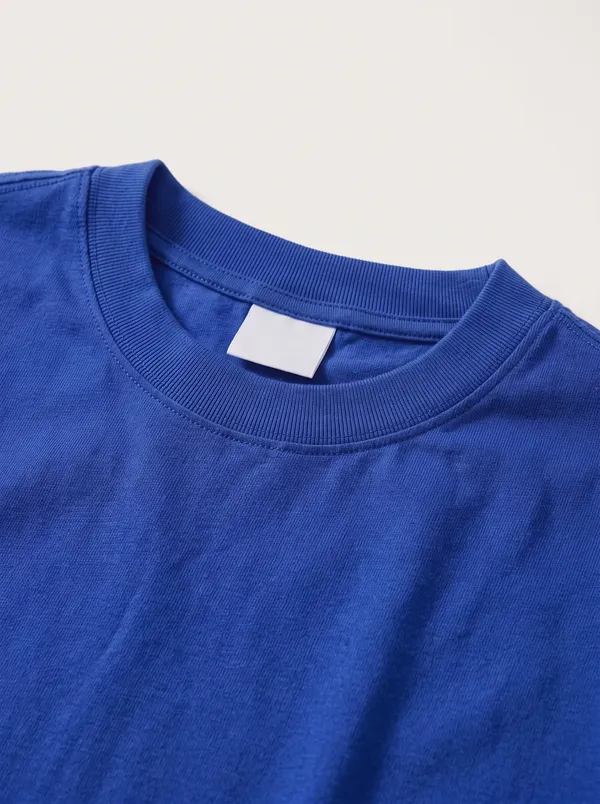
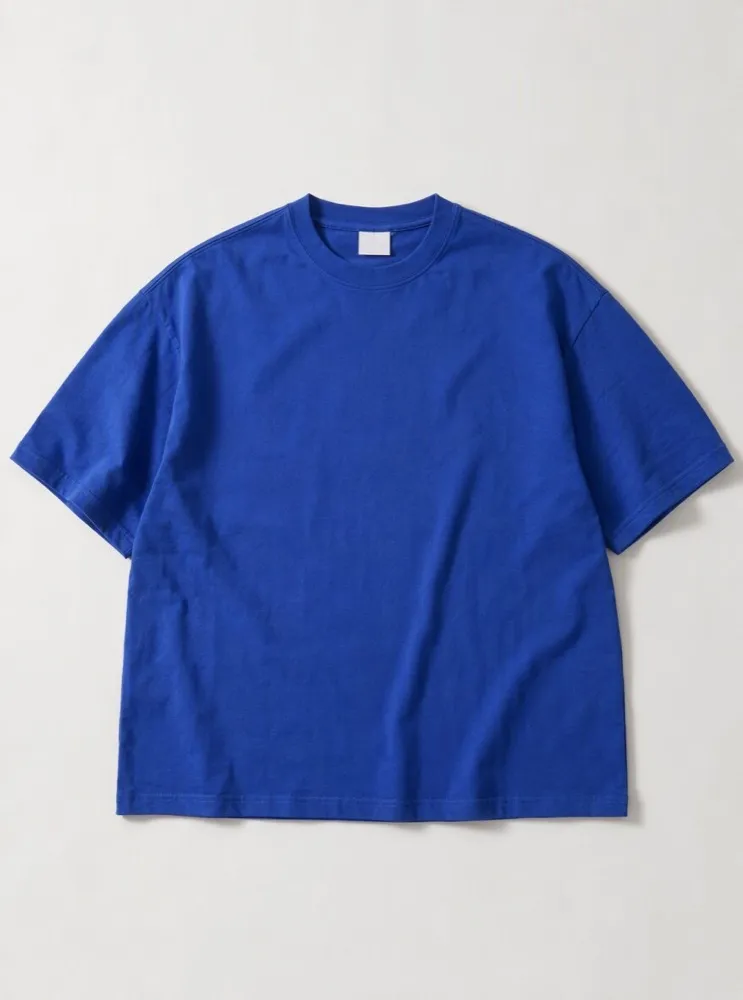
- Your catalogStudio shots, scenes and styled shots, all of the same product.
Superstudio works from a photo of your real product. Every picture shows what your customer gets: it keeps the shape, the color and the details, and changes the light, the backdrop and the setting.
Pick a photo whose look you love, and Superstudio gives your product the same light and setting. Matching a photo’s style comes with paid plans.
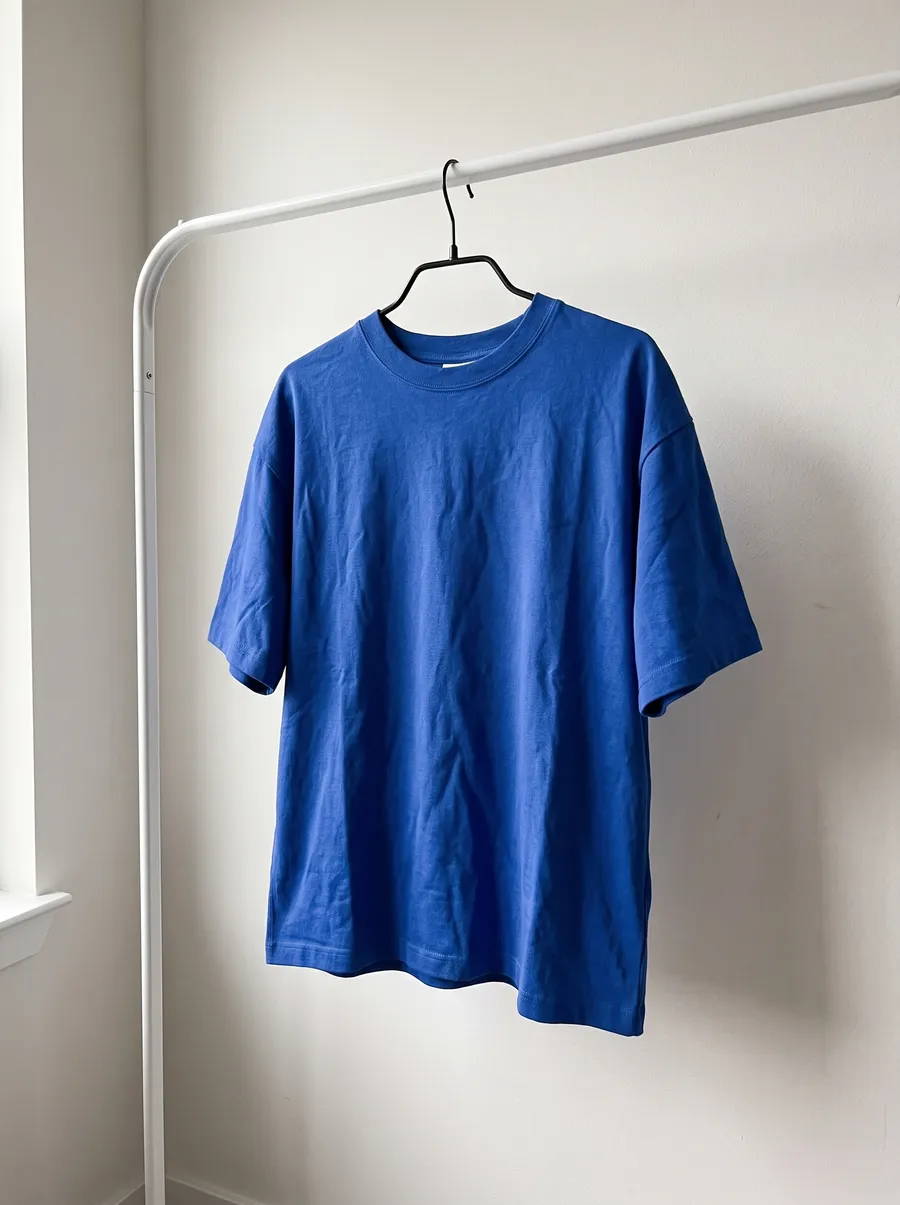
Pick a look, or several at once. Keep the photos you like and use them anywhere in your store.
White background and studio shots are on every plan, Free included. Start free, upgrade when paid plans open.
Superstudio clears the background and the clutter around your product, and gives you a clean cut-out on white for listings that need one.
Photograph one color and Superstudio makes the others, so each color in your store has its own photo.
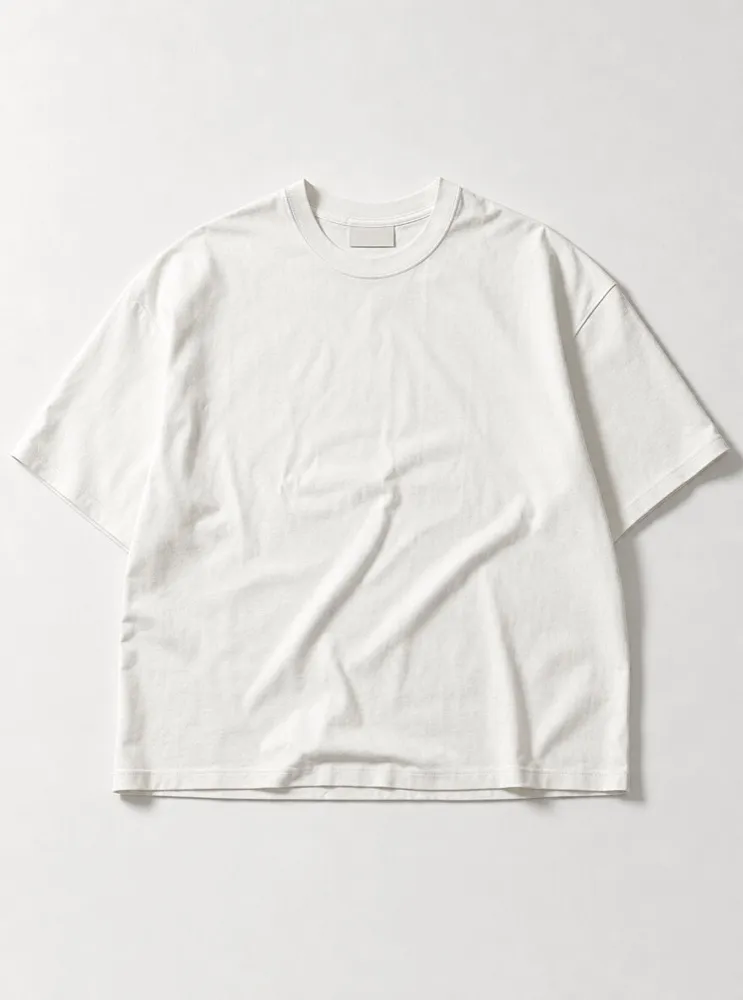
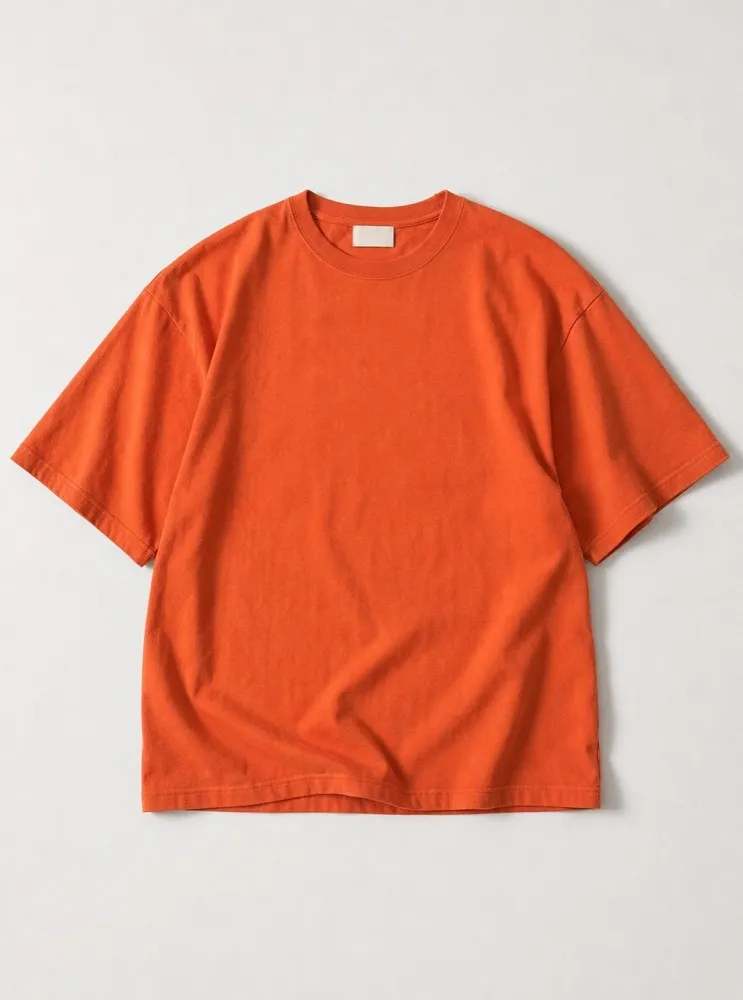
Banner, square and story sizes for your store and your social posts, with the whole product in every one.
Made to wear oftenAsk Genie to use your new photos, and it places them in your homepage draft: the banner, an image with text, a collection tile.

How do I make product photos with AI?
Take a photo of your product on your phone, in daylight, and add it to the product in Shopdrop. Then open Superstudio, or ask Genie, and choose what you need: a white background, a studio shot, a scene, a clean cut-out or a photo in every color you sell. Superstudio makes them from your photo, and you keep the ones you like.
Are AI product photos allowed on marketplaces?
Most marketplaces accept edited product photos as long as they show the real product accurately, and many have their own rules for the main image, such as a plain white background. Check the image rules of each marketplace you sell on. Superstudio starts from a photo of your real product and keeps its shape, color and details.
What do Superstudio photos cost?
Superstudio uses the AI credits in your plan, and every plan includes credits each month. Genie shows the price before it starts, and charges only for photos that come out well.
Which shots are on the Free plan?
White background and studio shots are on every plan, Free included. Scenes, premium hero photos and matching the style of a photo you love come with paid plans. Start free, and upgrade when paid plans open.
What each plan includes, credits too, is on the pricing page.
Upload a phone photo, choose the looks you want and keep the pictures you like. Superstudio is on every plan.