

Each Shopdrop theme is an online store template that runs a real demo store you can open, and you edit it by clicking on the page itself. Classic is free on every plan; the others are on Growth, so start free, upgrade when paid plans open.
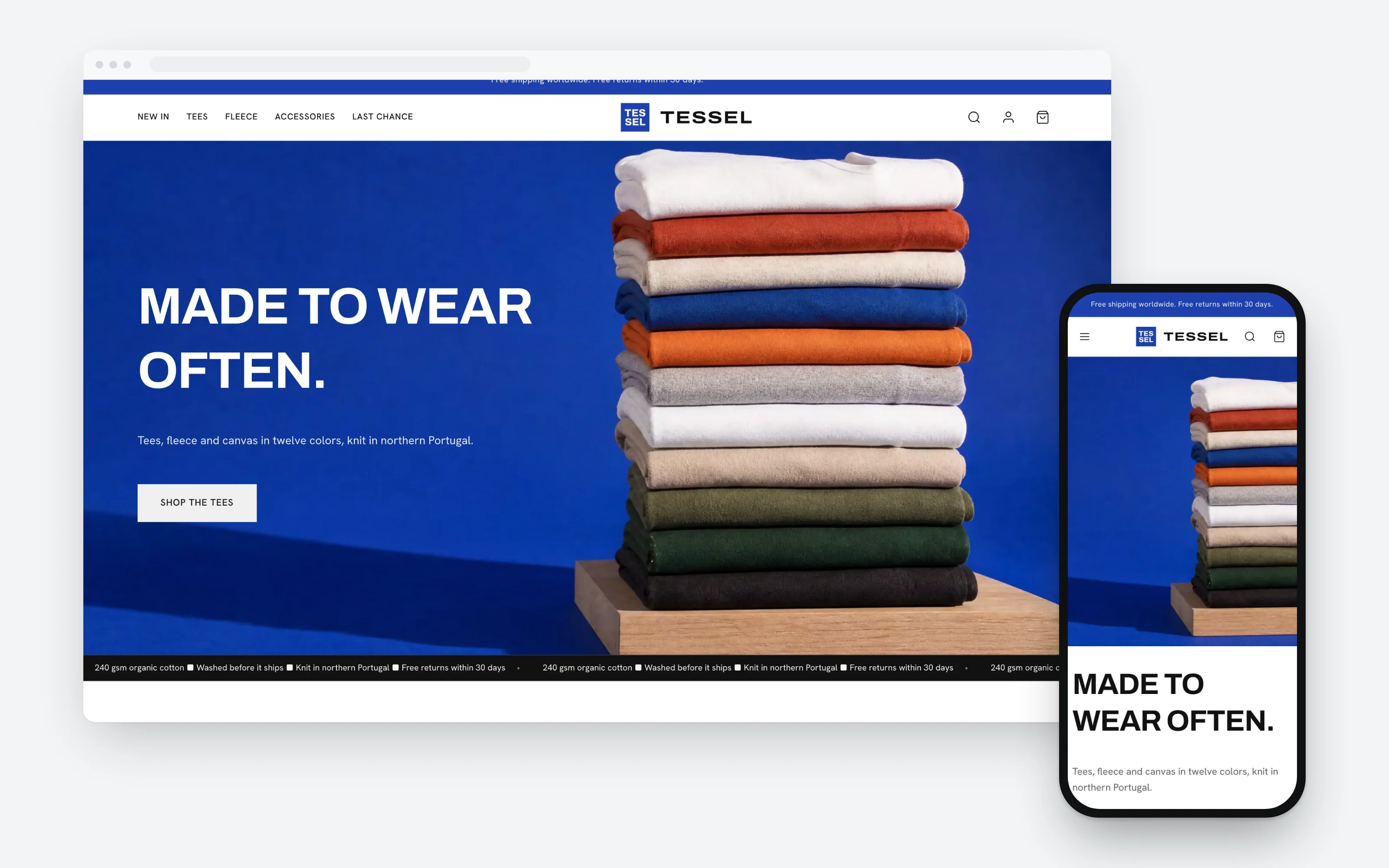
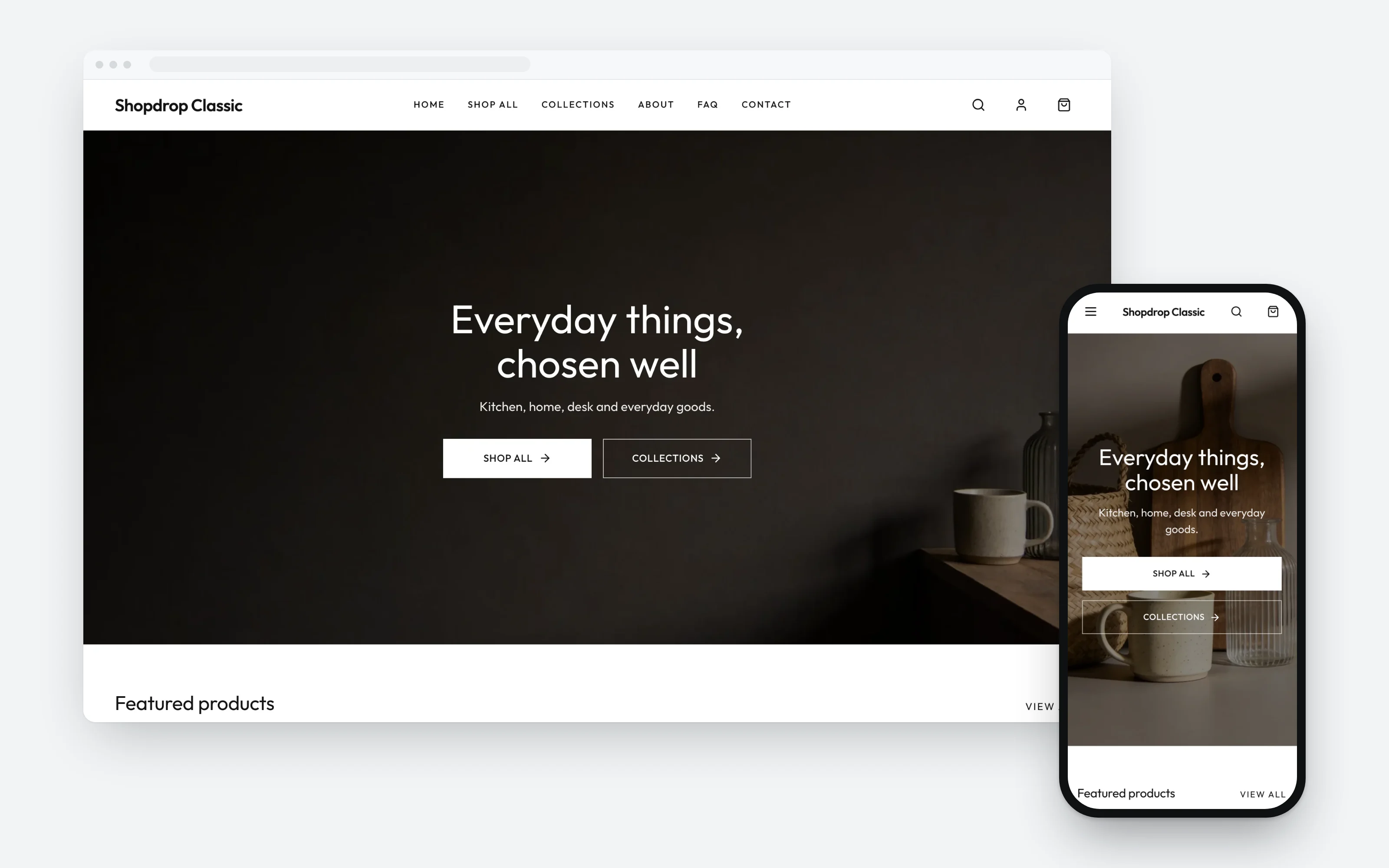
Every card opens a working store: menus, filters, product pages and the cart all work, so you can judge it the way a shopper would.
Every theme opens in the same editor. Pick colors, fonts and corners for the whole store, or click any heading to rewrite it. Changes wait in a draft until you publish.
Made to wear often
Shop the tees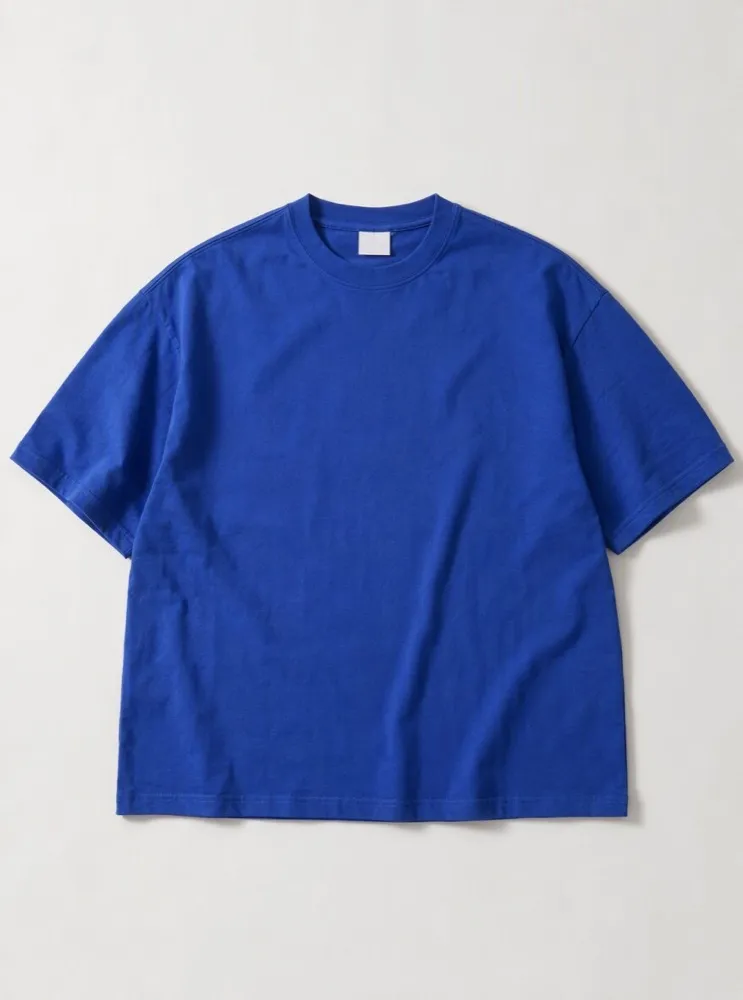 Heavyweight Tee
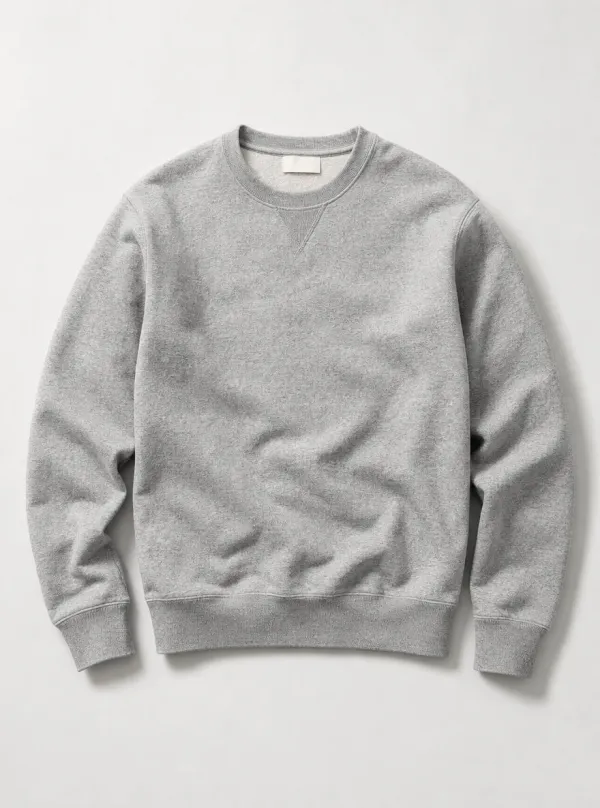 Loopback Crew
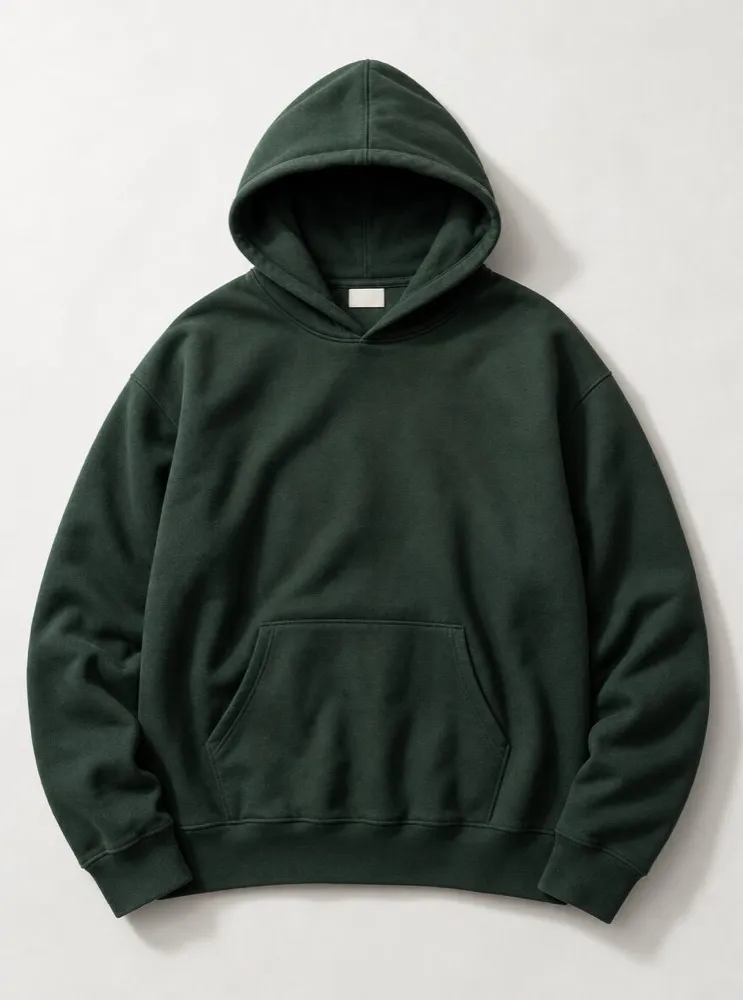 Heavyweight Hoodie
Are the templates free?
Classic is free on every plan, including Free, and the other themes come with the Growth plan. Start free, upgrade when paid plans open.
Can I switch themes without losing my products?
Yes, your products, collections, orders and customers belong to your store, not to the theme, so they stay when you switch.
Do the themes work on phones?
Yes, every theme has a phone layout, and each demo store is checked at phone and desktop sizes. The demo viewer has a phone view, so you can see it before you choose.
How do I change a theme to fit my brand?
Open the store editor and click what you want to change: a heading, a color, a font or a whole section. Your changes stay in a draft until you publish, and you can undo them. Genie, the AI built into Shopdrop, can make the same changes from a short request.
What is the difference between a theme and an ecommerce website template?
A template is a starting design, and a Shopdrop theme is that design already running a real store, with your catalog, cart and checkout in it.
Start on Classic today and switch themes whenever you like: your products, collections and customers come with you to every theme.