



Classic is the theme every new store starts on, and it is free on every plan. It keeps the layout neutral so your own photos lead, and it looks right with four products or four hundred.
FreeVersion 1.11.0General store, Home and living
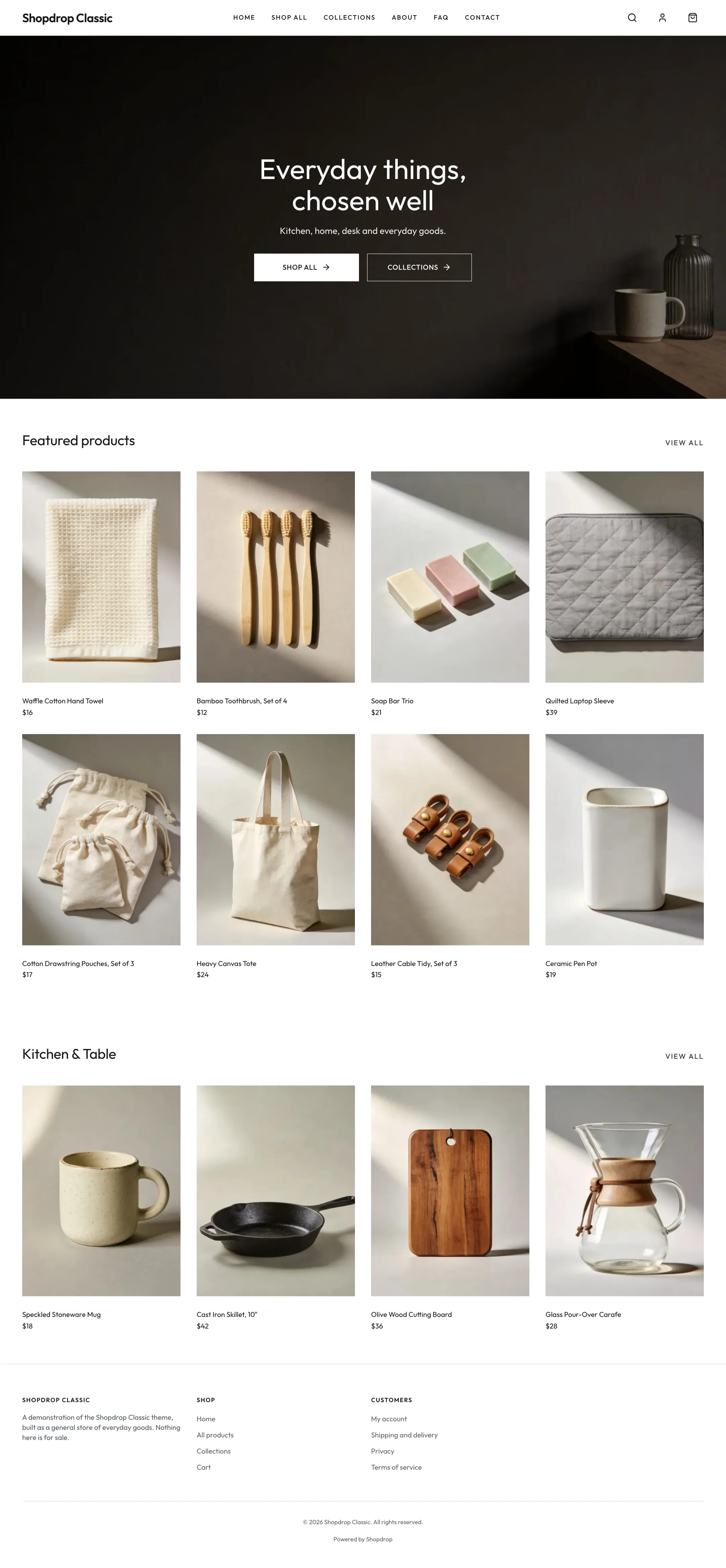
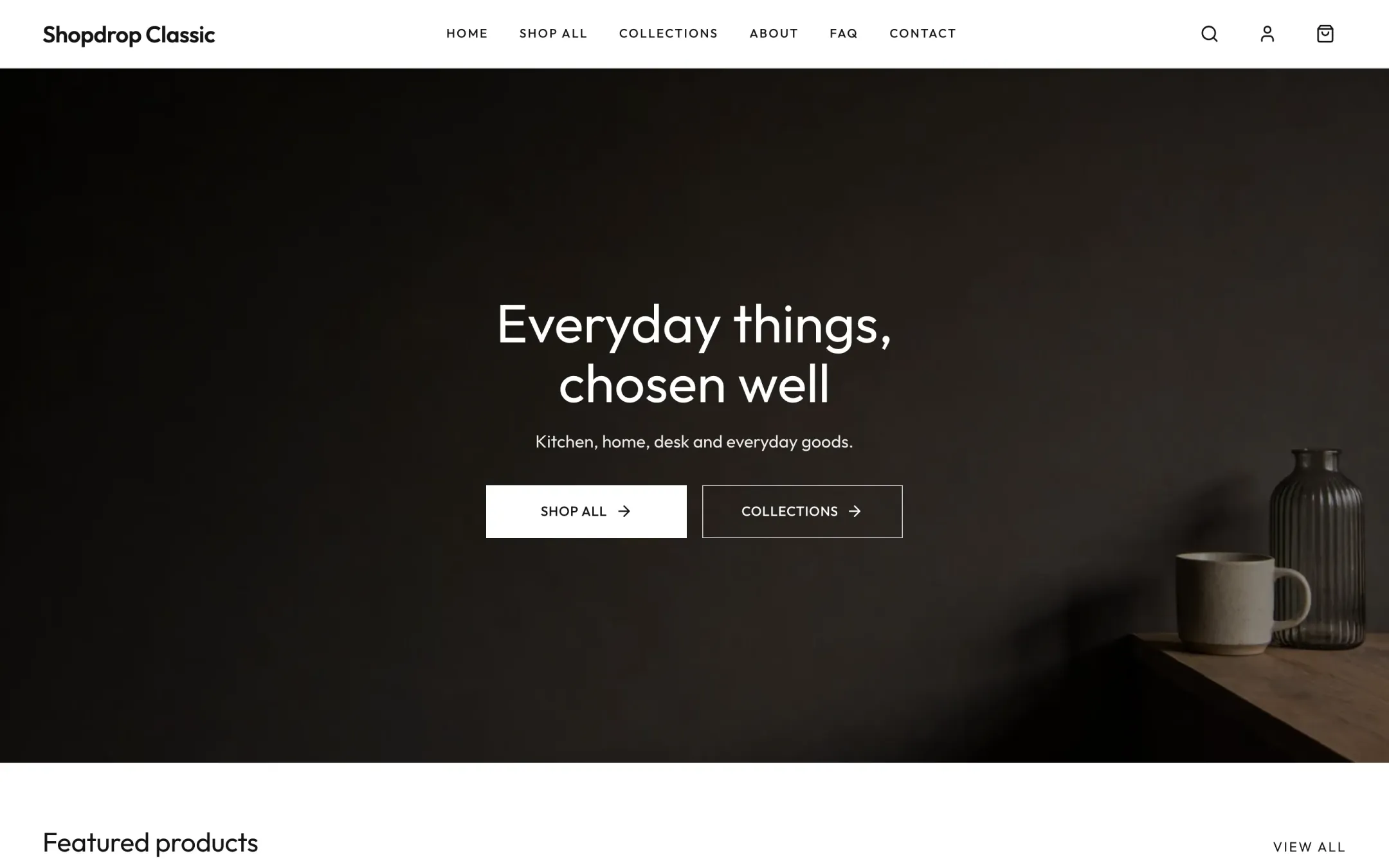
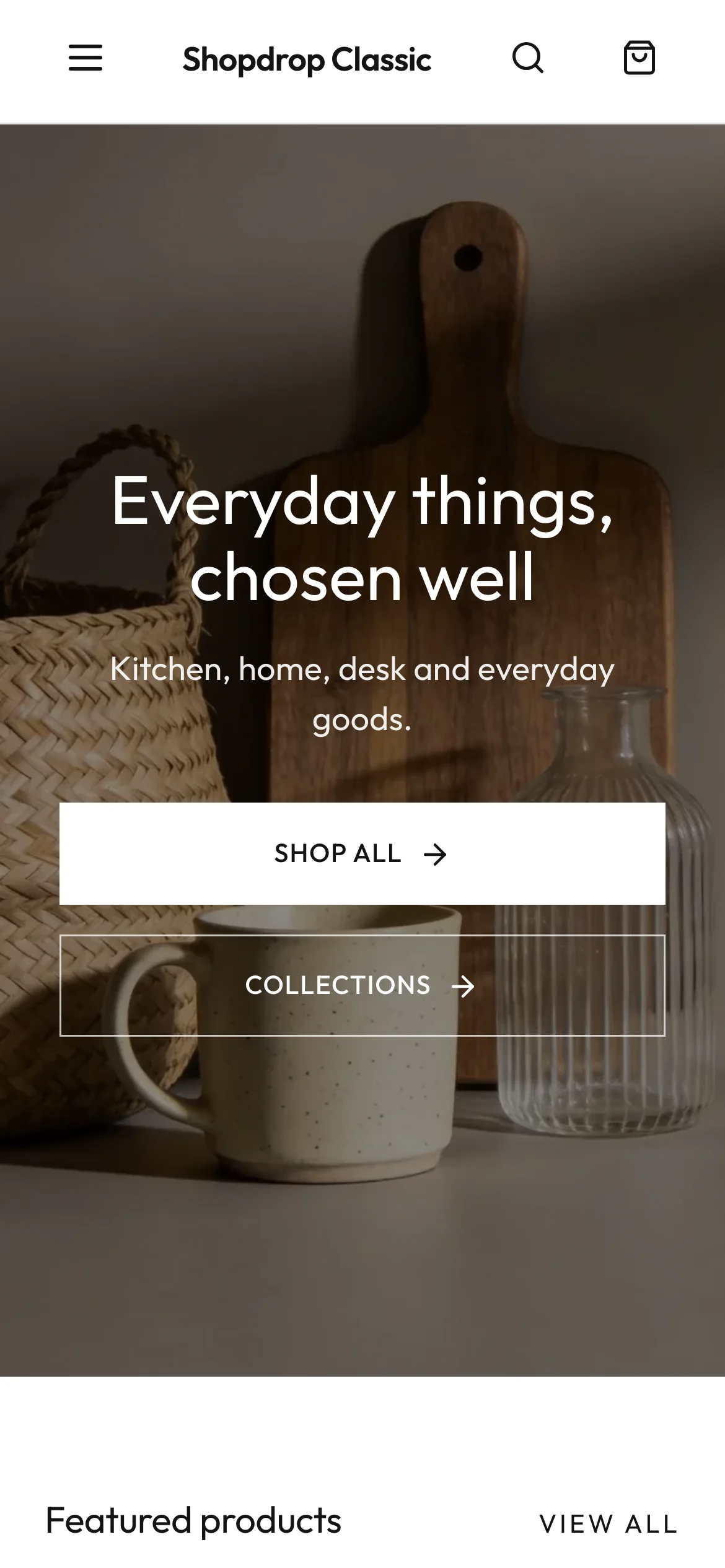
These are screenshots of Classic's demo store, not mock-ups: the same code a store on this theme runs.
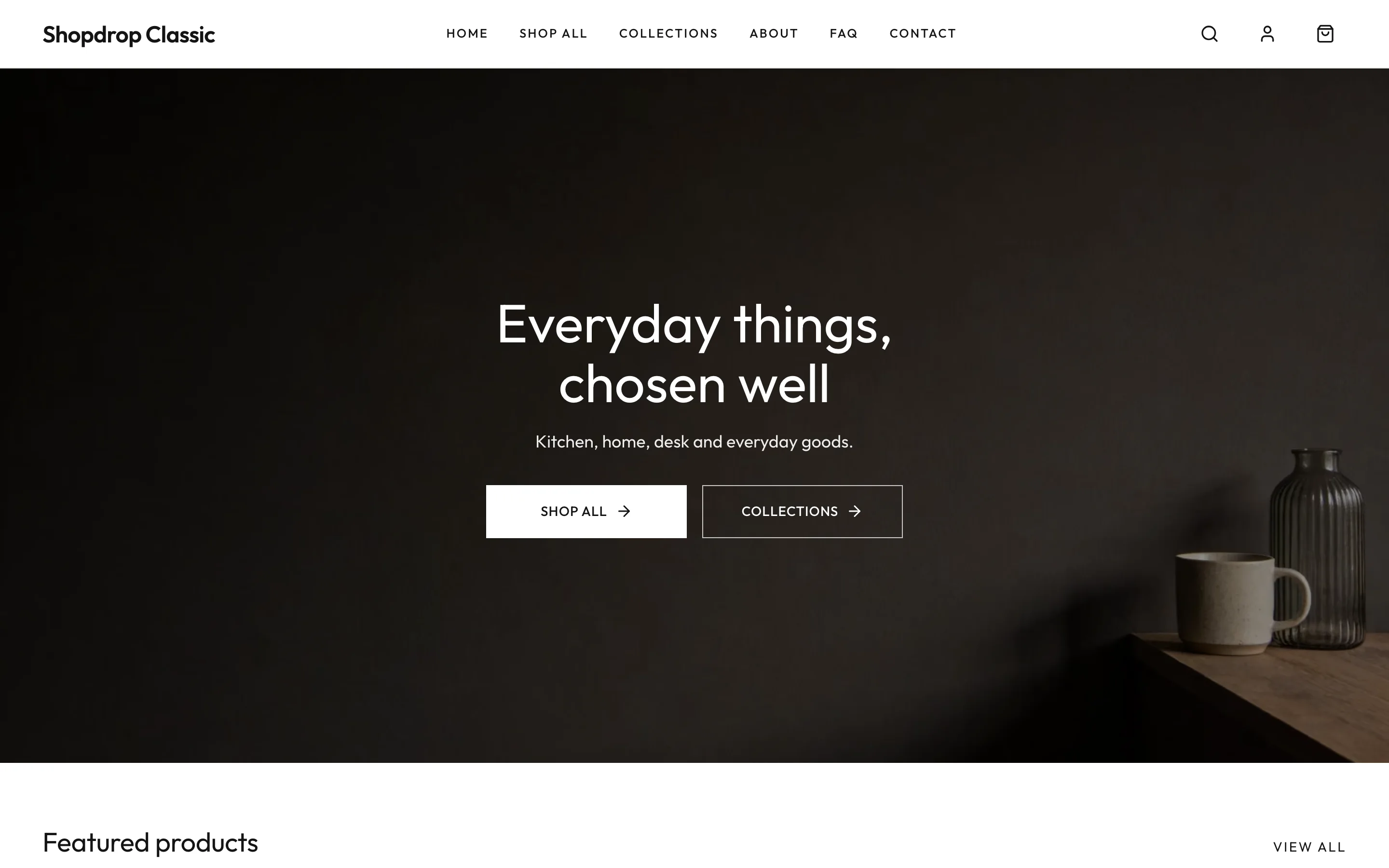
Home page 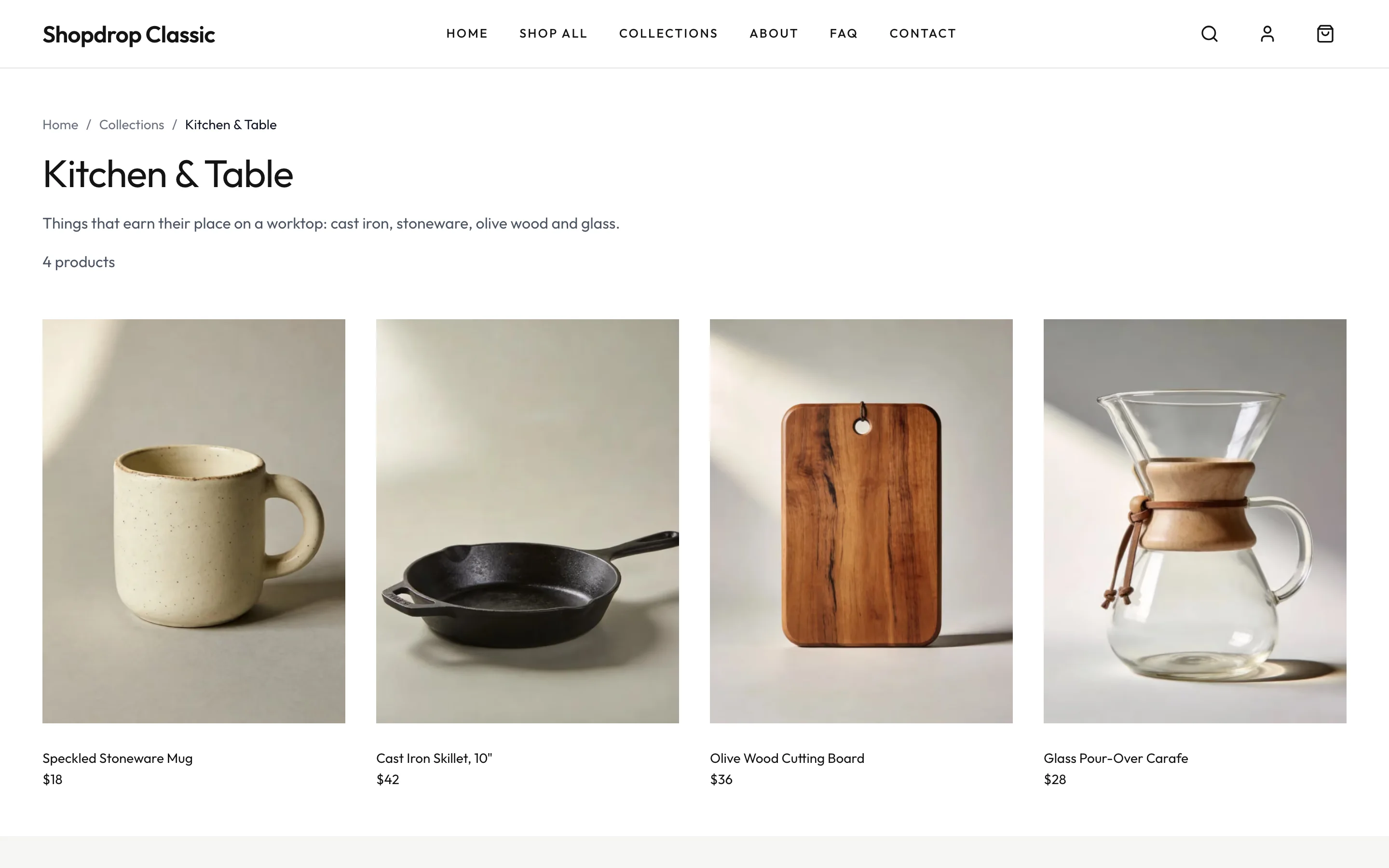
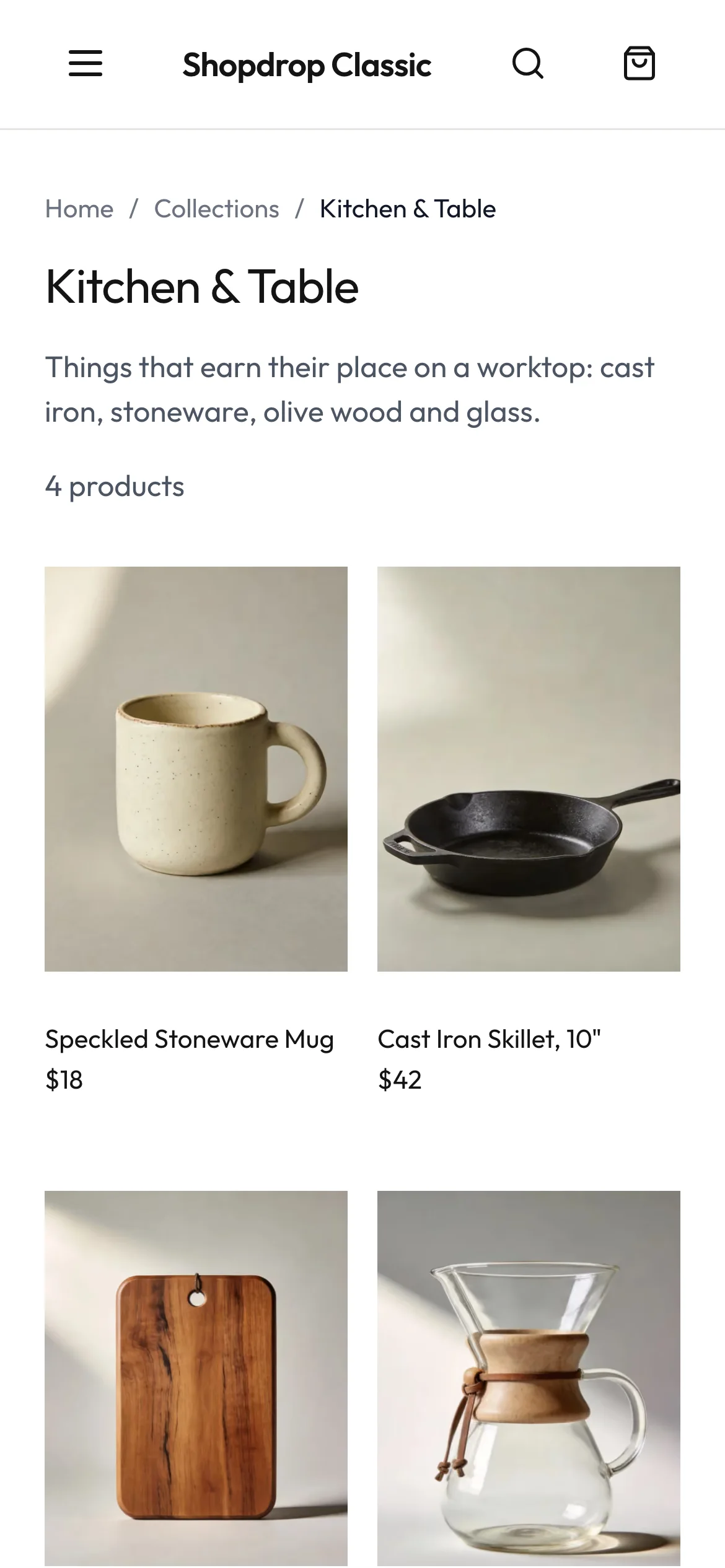
Collection 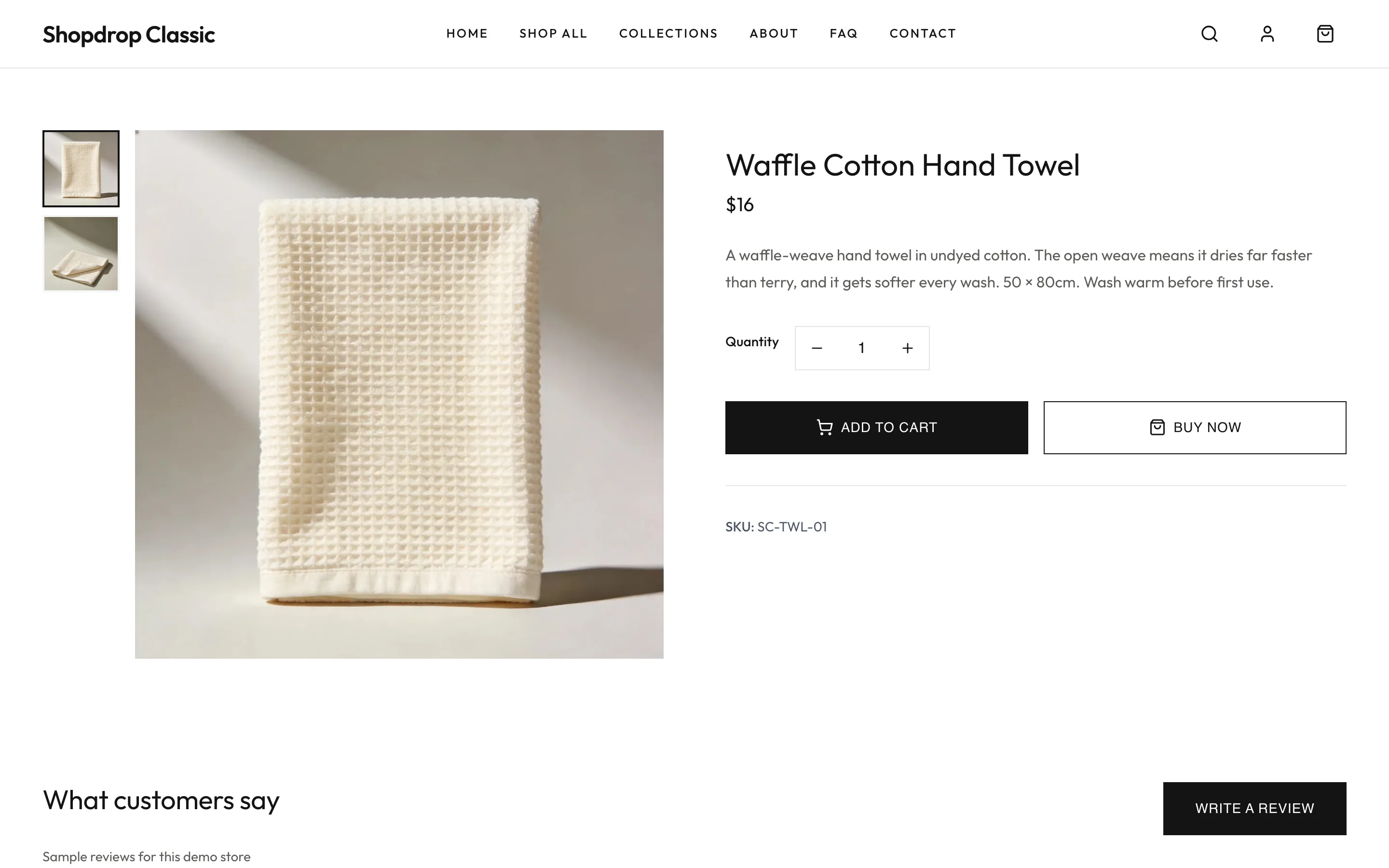
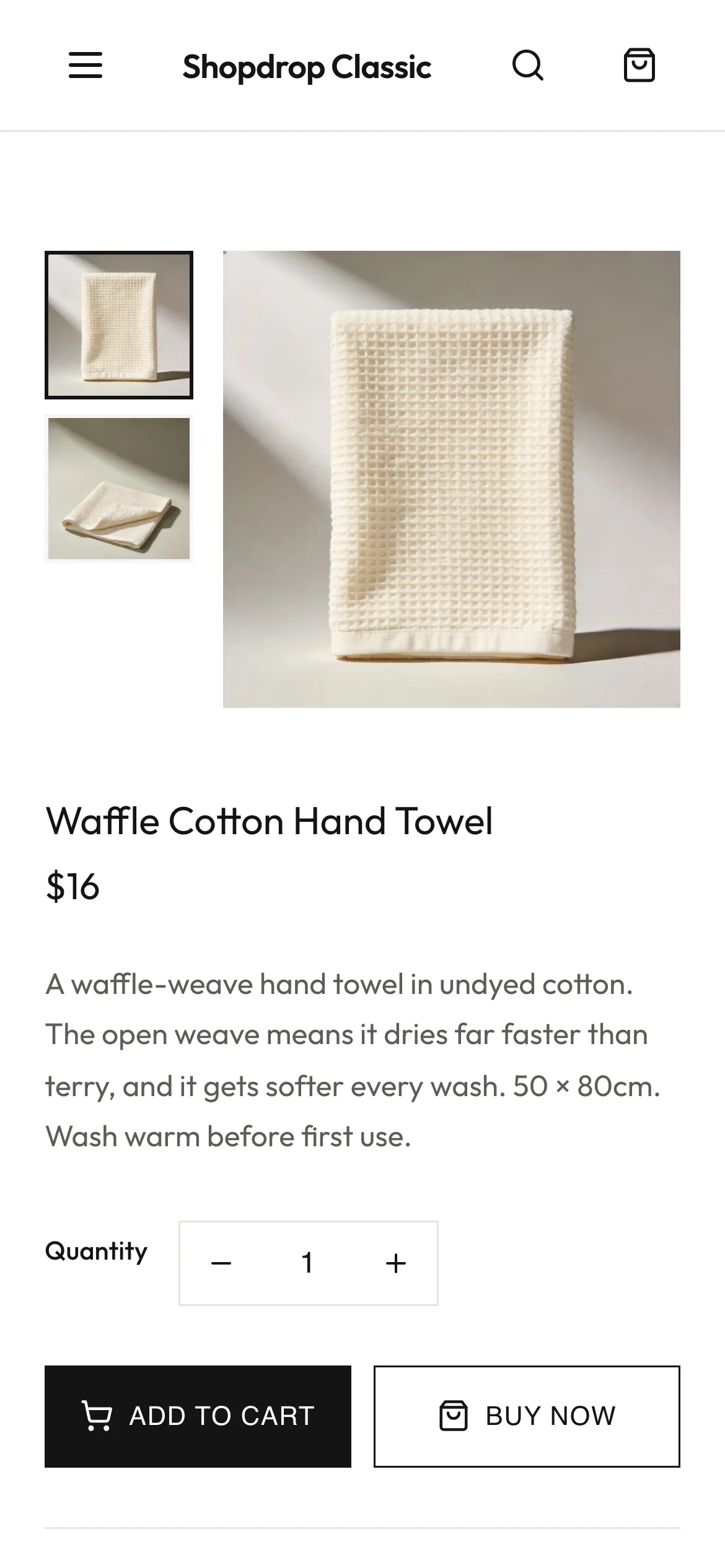
Product page 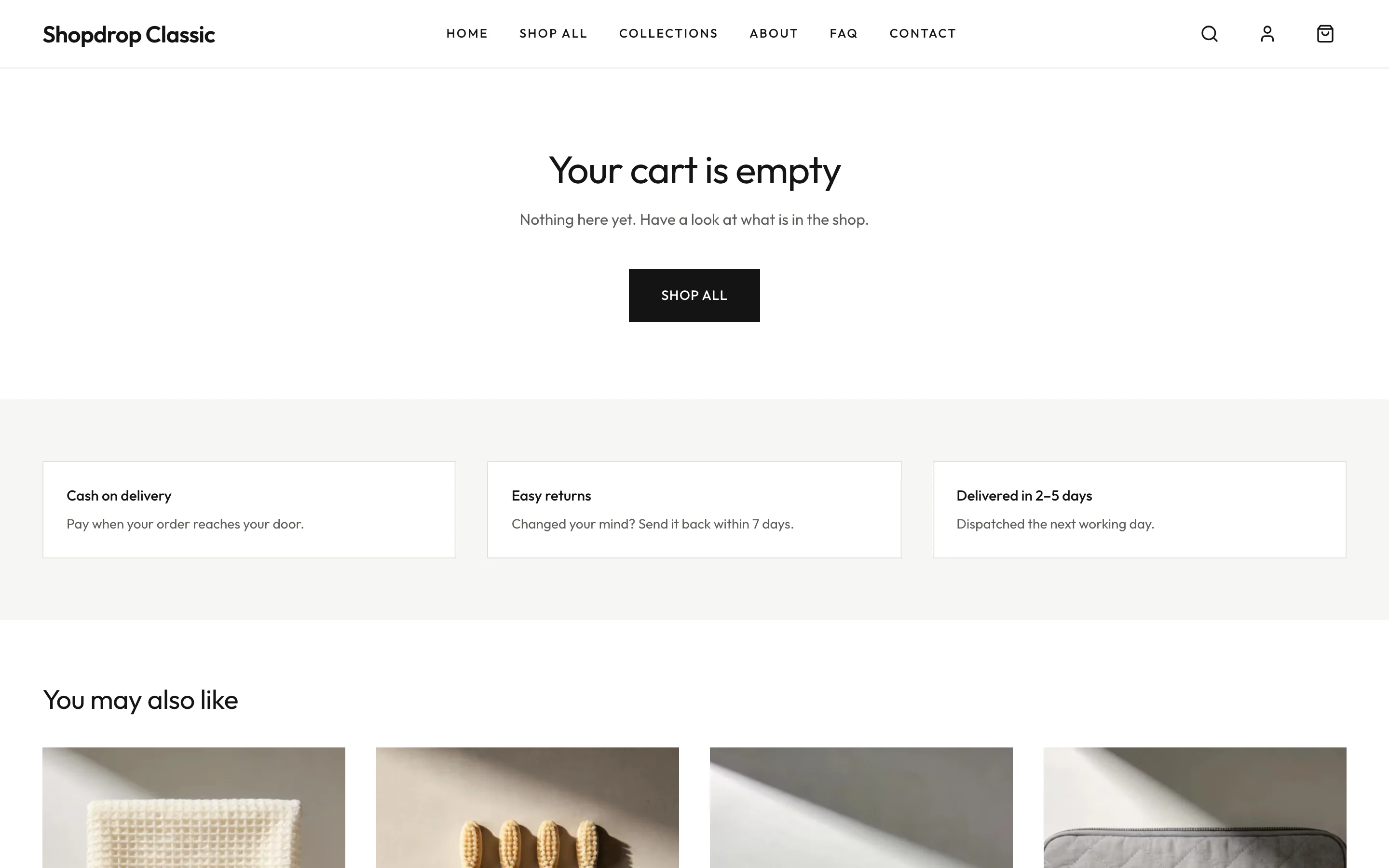
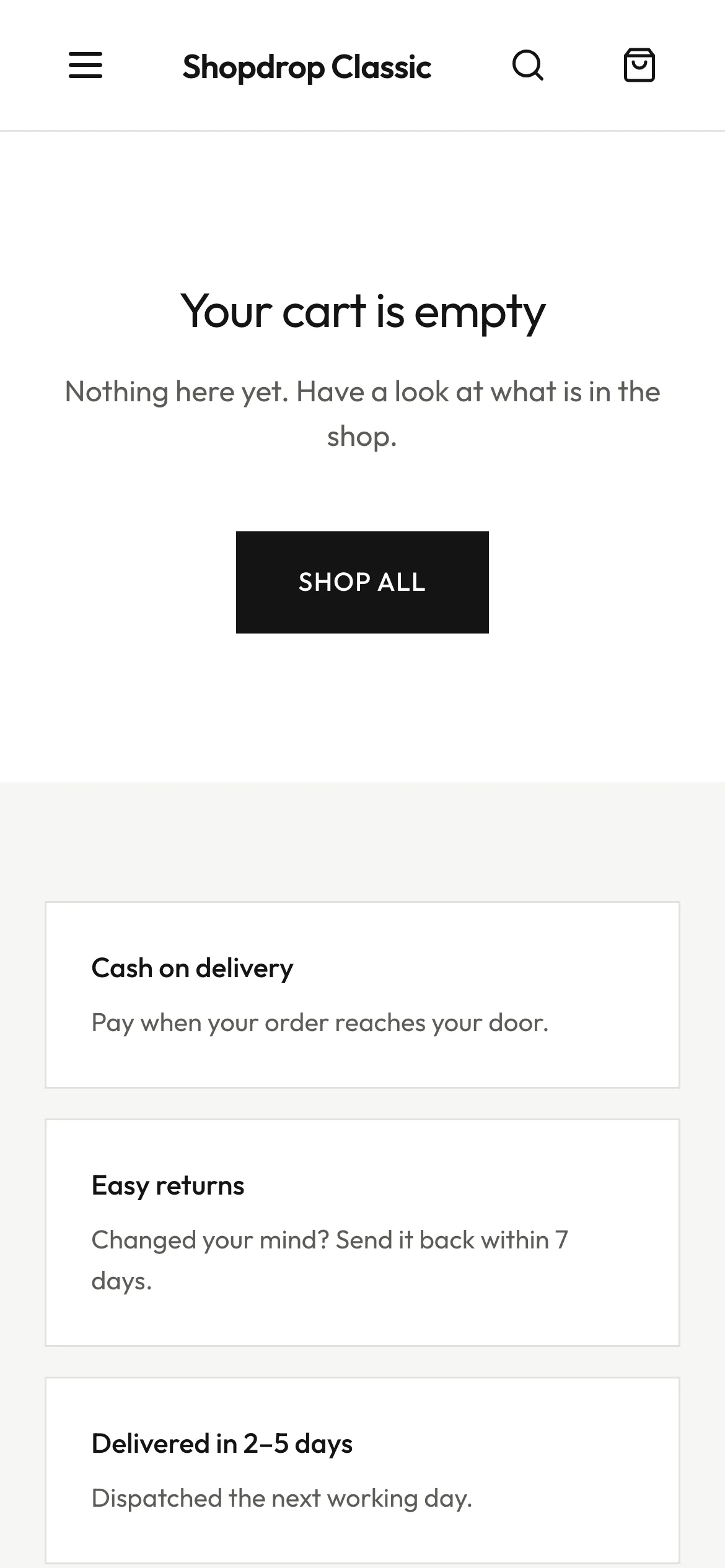
Cart
- Cart and checkout
- Buy now, Quick add, Slide-out cart
- Marketing and conversion
- Announcement bar, Cross-selling, Product badges, Promo banners, Newsletter signup
- Merchandising
- High-resolution images, Image galleries, Image rollover, Image zoom, Product videos
- Product discovery
- Breadcrumbs, Mega menu, Sticky header
Every store on Classic runs its latest version. Here is what changed recently.
Version 1.11.0
- Two new sections for the homepage: Product pair (two products side by side, half the page each) and Collection panel (a panel of words beside a collection's products)
Version 1.10.0
- Footer: lay it out with blocks (menus, text, a newsletter sign-up, social links, payment methods, contact details) in 2 to 5 columns; policies and the copyright line stay at the bottom
Version 1.9.0
- Product cards show a product's colours as swatches; a colour with its own photo shows that photo on the card
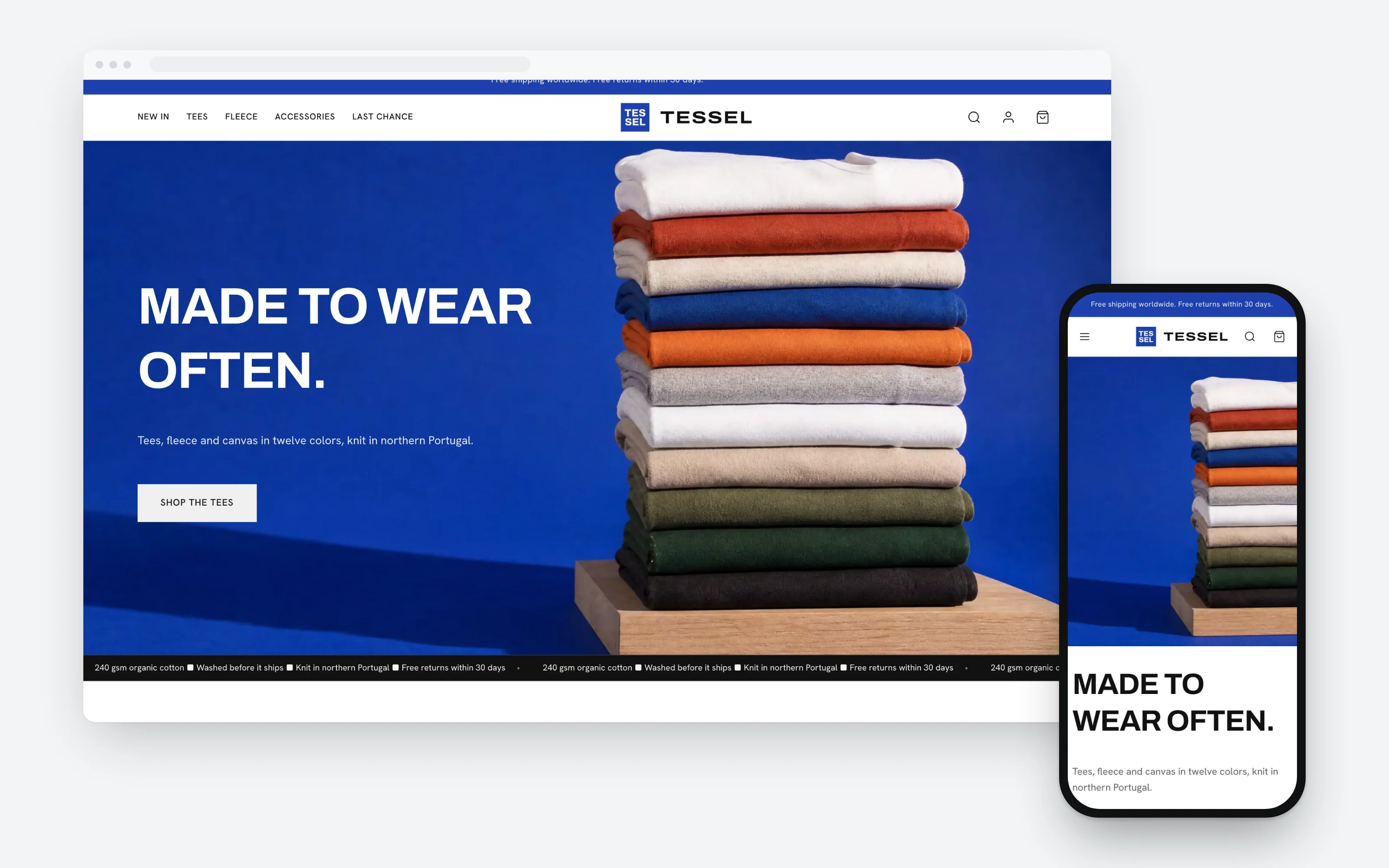
The demo is a full store: browse the catalog, filter a collection, open a product and fill a cart.