




Apex is built for pieces people look at closely: rings, chains and watches. A video hero opens the store, a lookbook and a journal tell the story, and product pages give every photo room.
Free until 26 NovVersion 1.15.1Jewelry and watches
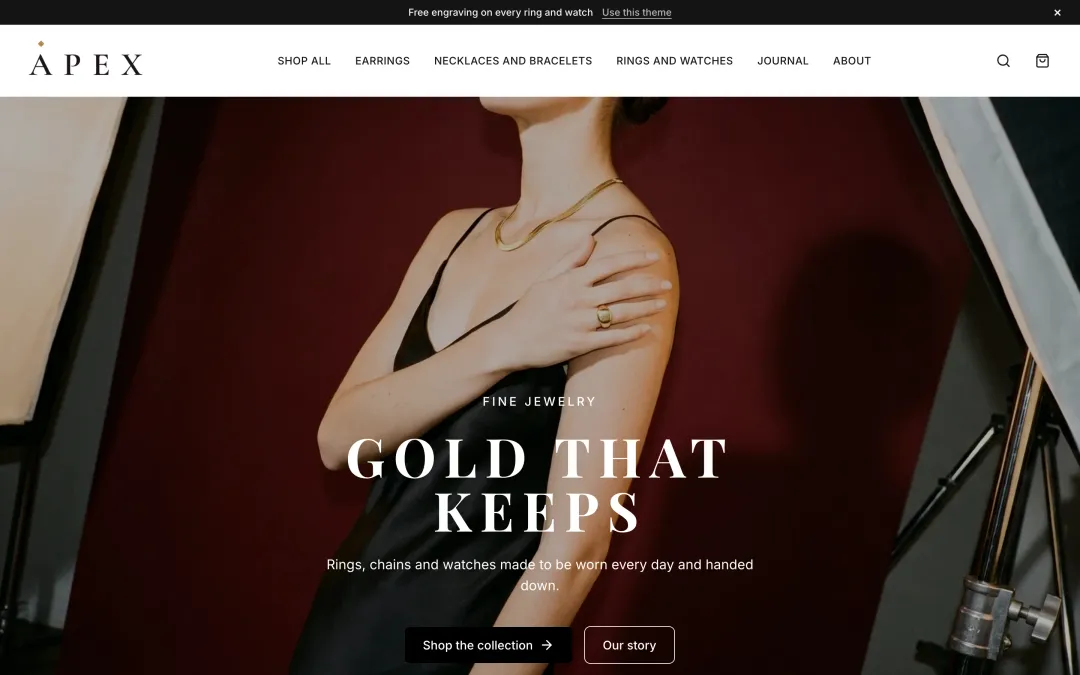
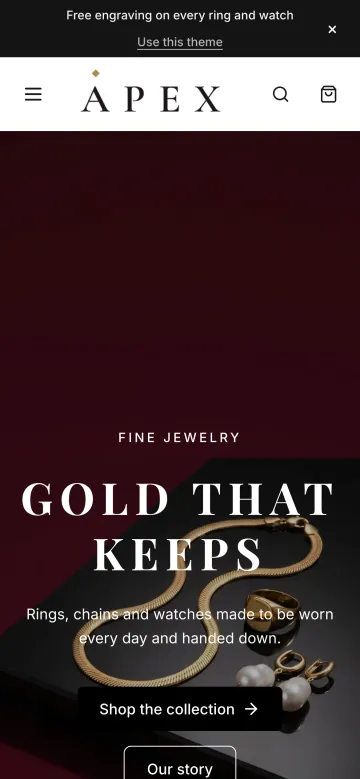
These are screenshots of Apex's demo store, not mock-ups: the same code a store on this theme runs.
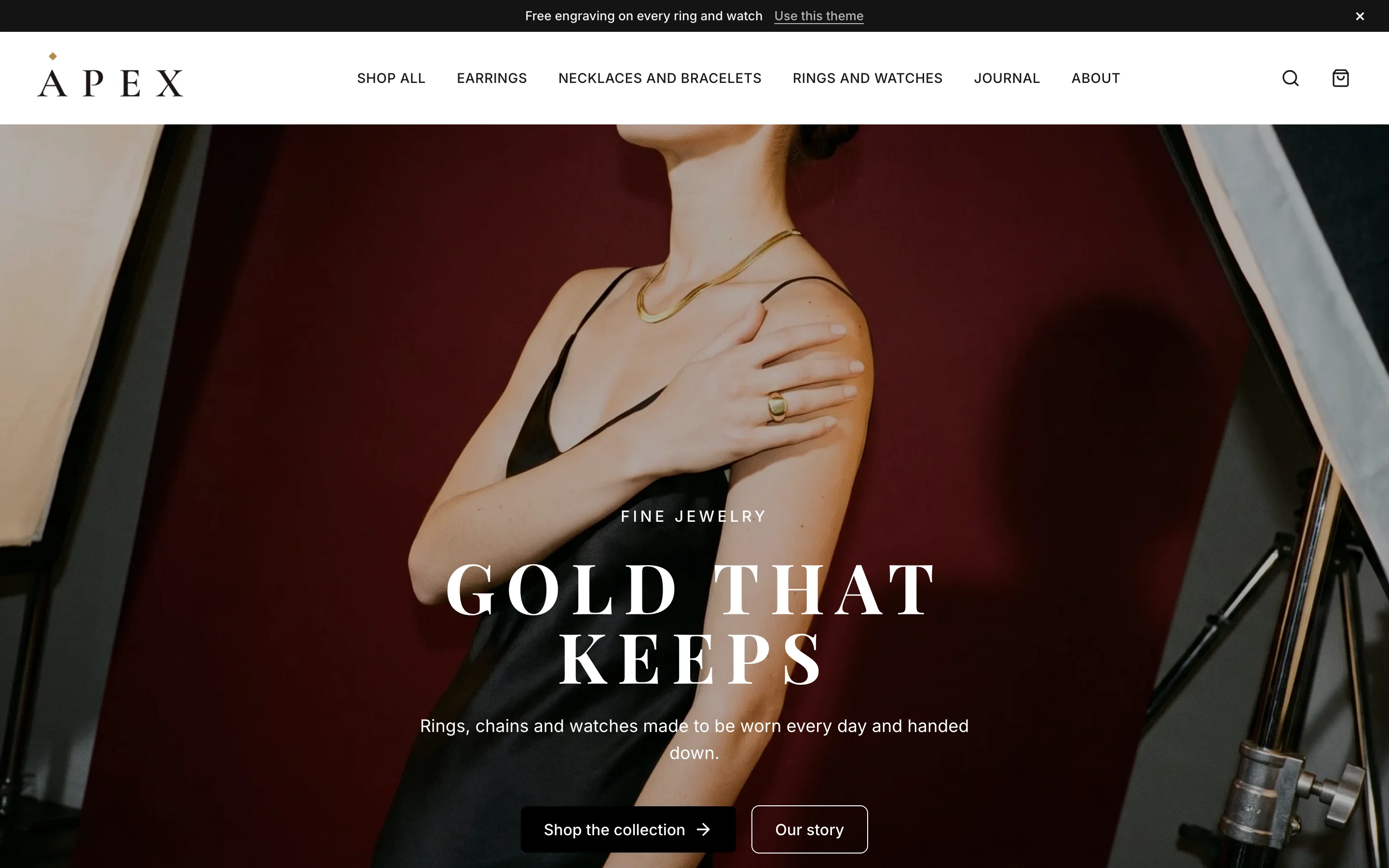
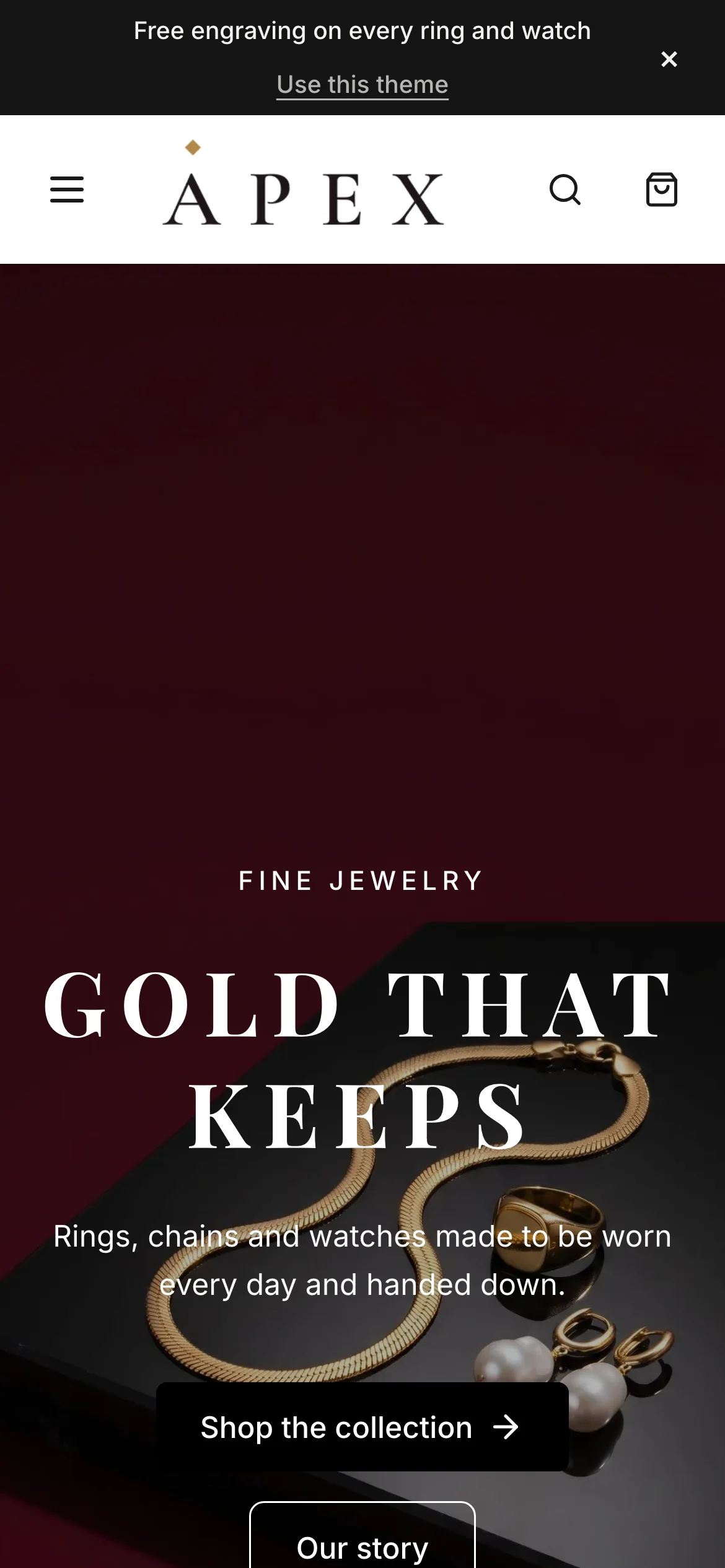
Home page 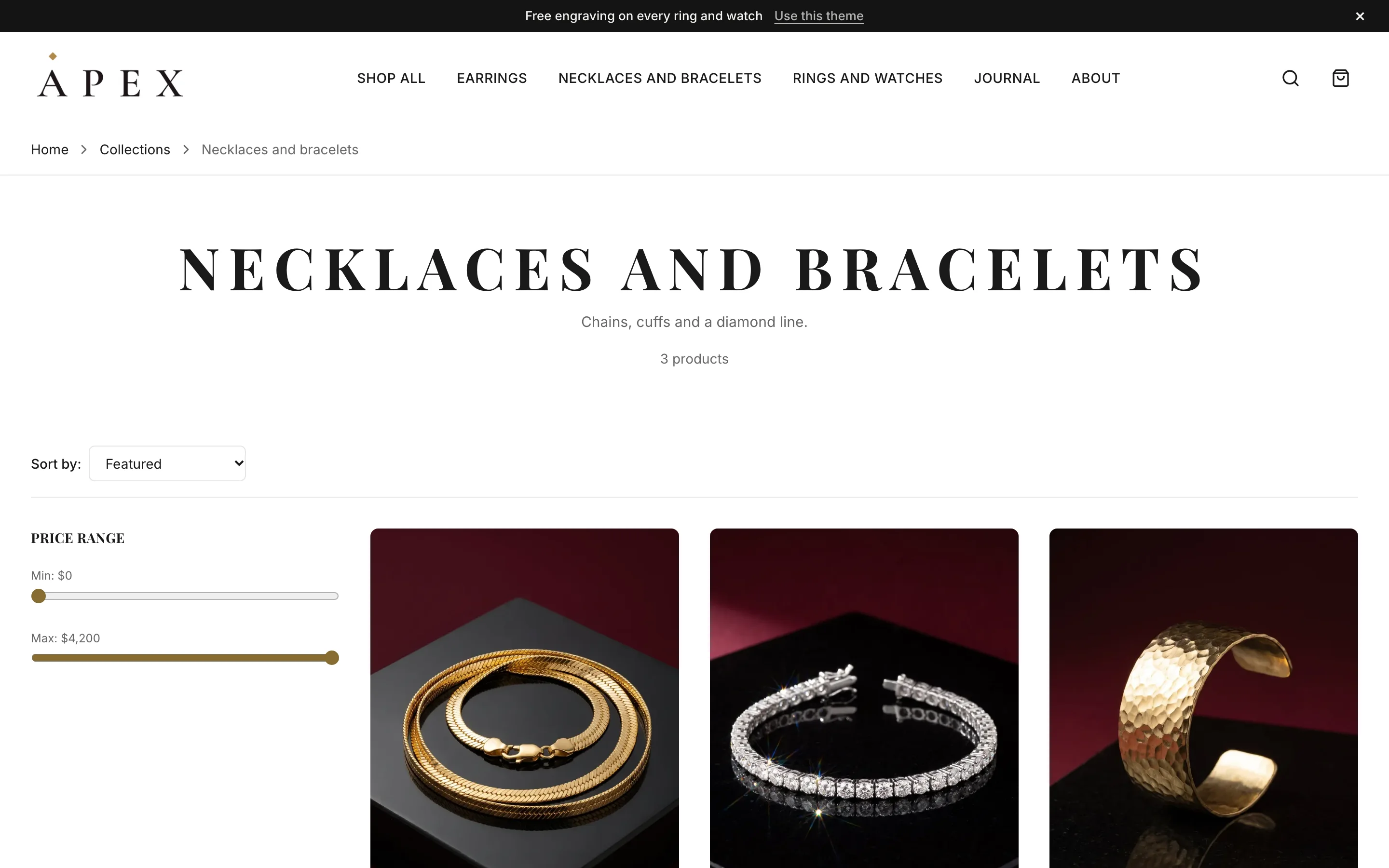
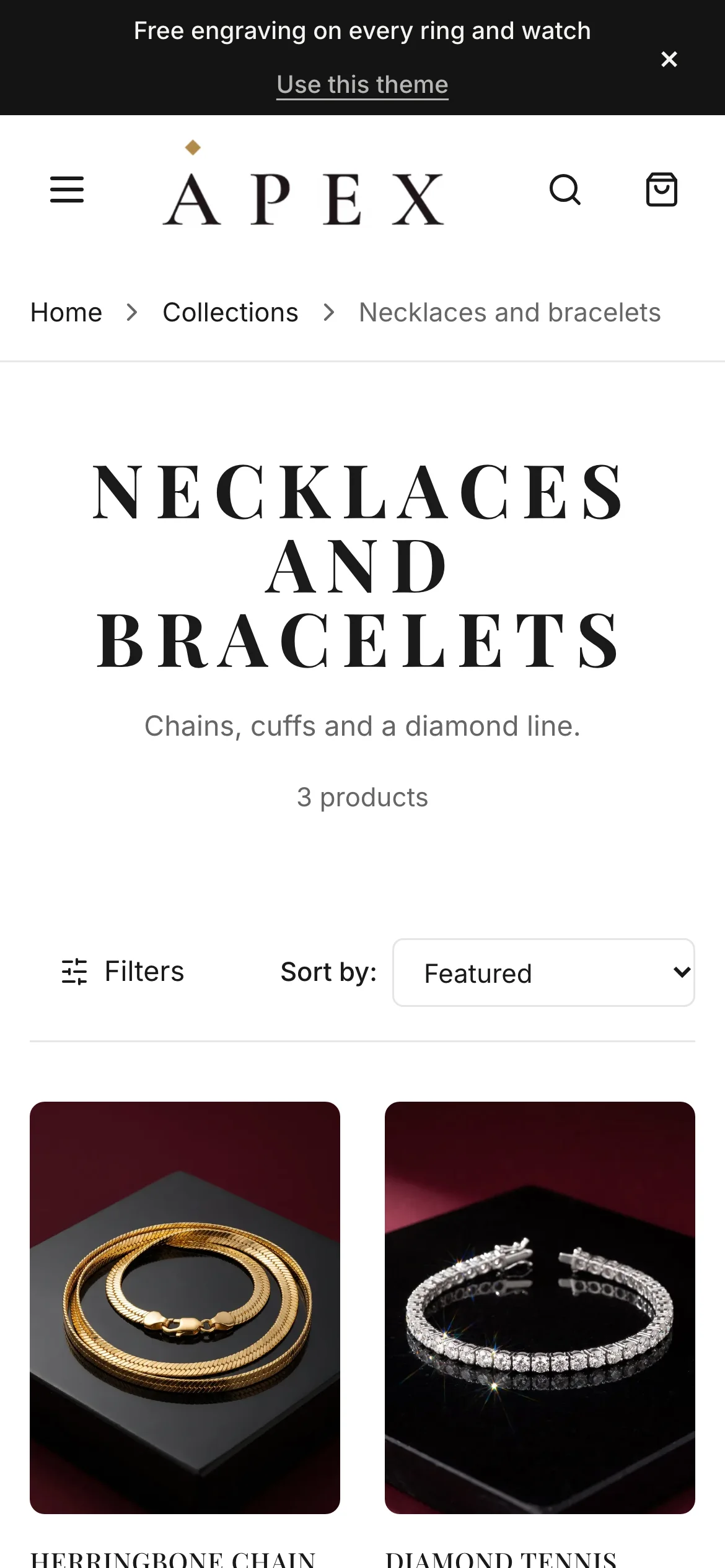
Collection 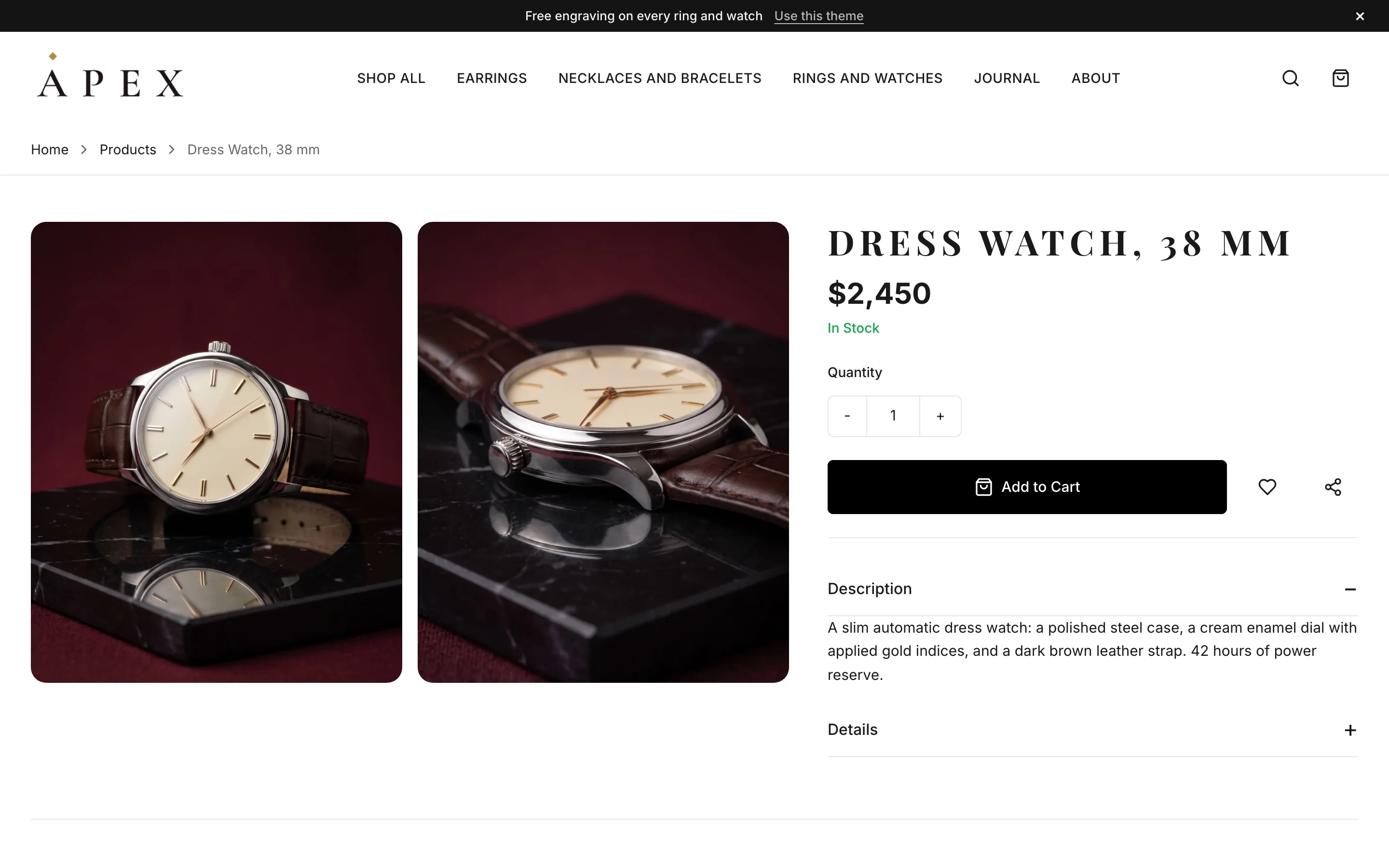
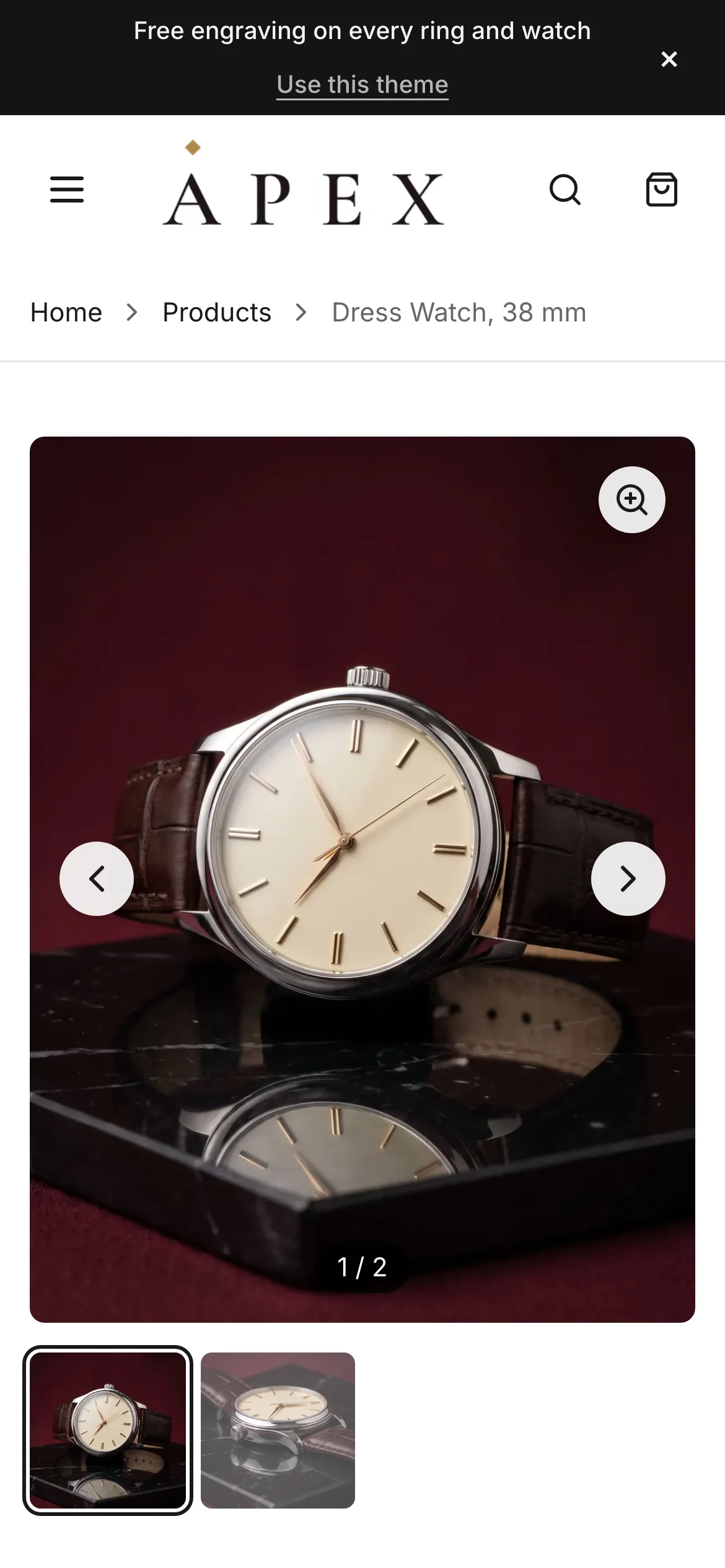
Product page 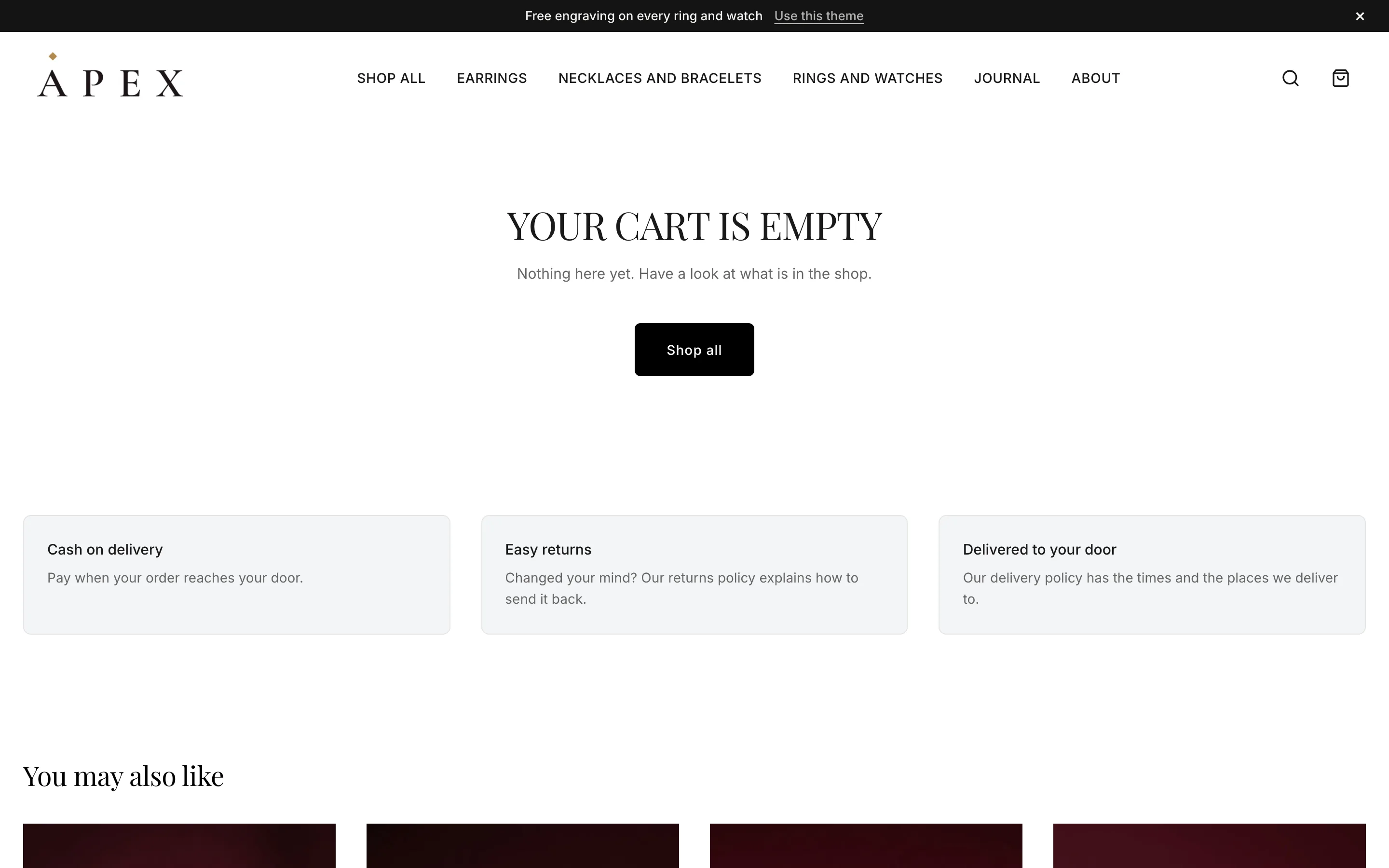
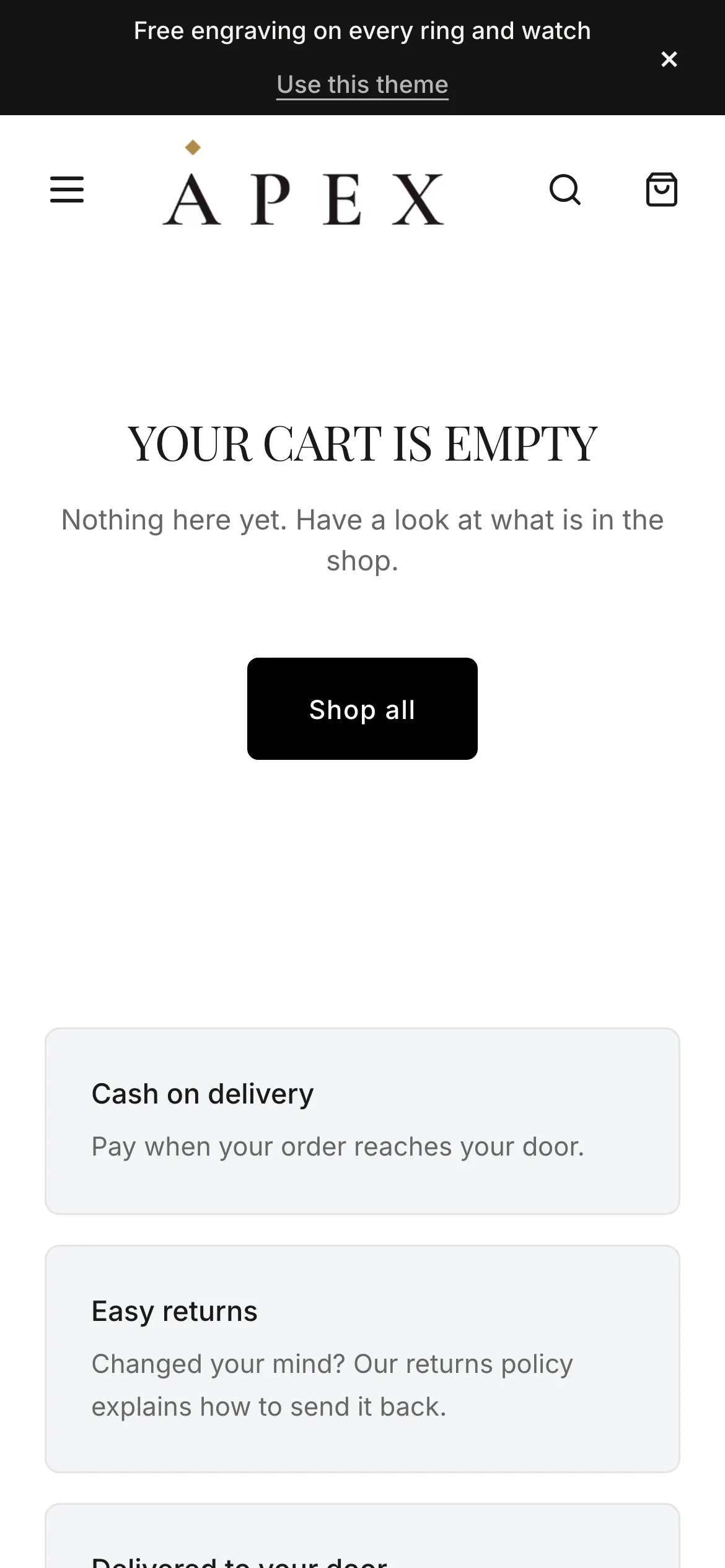
Cart
- Home page
- Video hero, Lookbook, Journal, Collection tiles, Product pair, Social gallery
- Marketing and conversion
- Announcement bar, Promo banners, Customer reviews, Newsletter signup
- Merchandising
- Image galleries, Product videos
Every store on Apex runs its latest version. Here is what changed recently.
Version 1.15.1
- Hero banner: the description and buttons follow the words' alignment, so centred words have centred buttons; the scroll hint no longer sits on the buttons when the words are at the bottom
Version 1.15.0
- Two new sections for the homepage: Product pair (two products side by side, half the page each) and Collection panel (a panel of words beside a collection's products)
Version 1.14.0
- Footer: lay it out with blocks (menus, text, a newsletter sign-up, social links, payment methods, contact details) in 2 to 5 columns; policies and the copyright line stay at the bottom
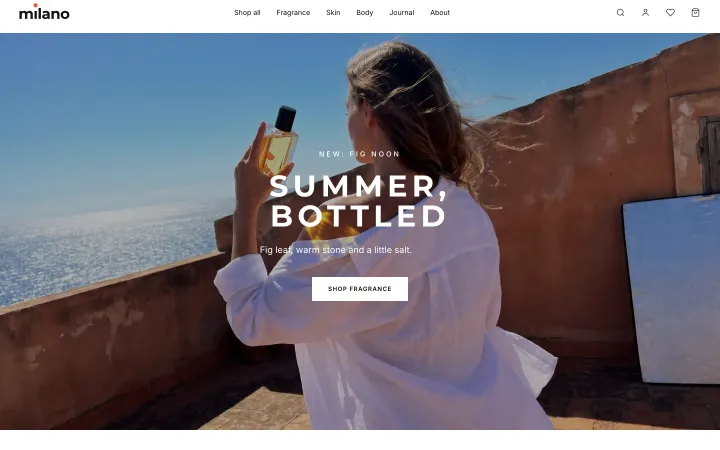
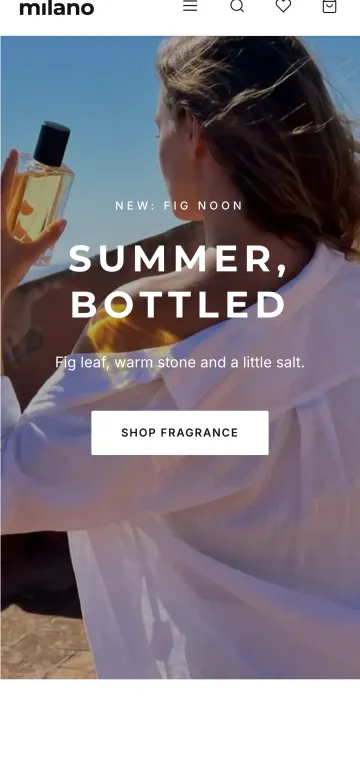
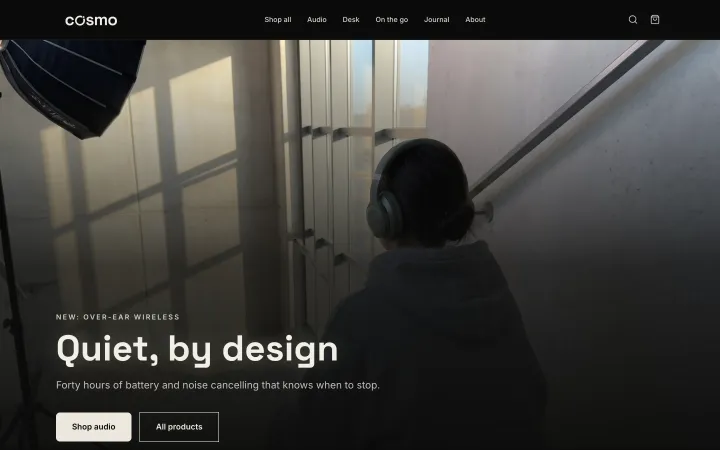
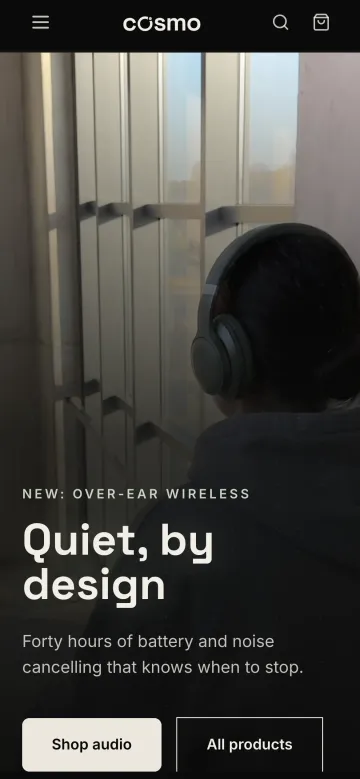
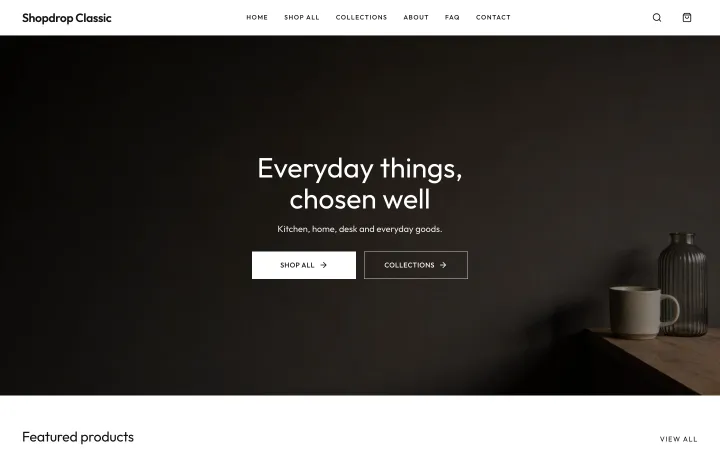
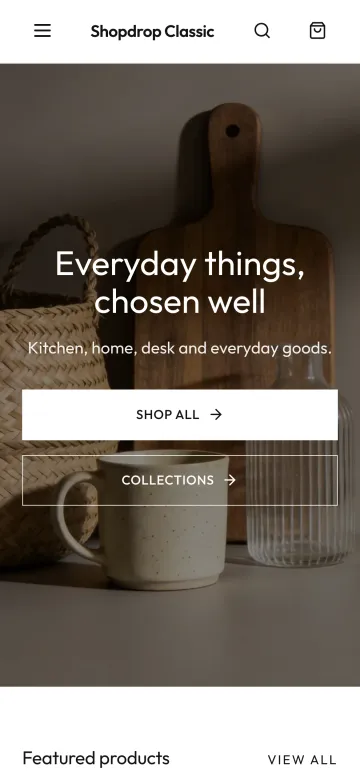
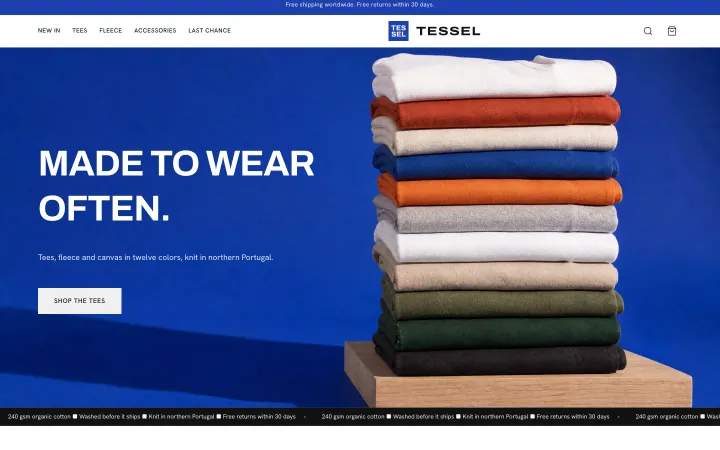
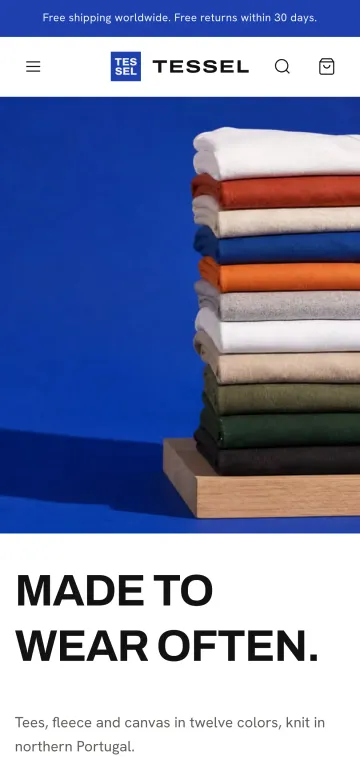
The demo is a full store: browse the catalog, filter a collection, open a product and fill a cart.